
Respond without writing a reply
On a text feed, anything more specific than a like has to be typed out and published under the post. An emoji lands as a count instead.
On a text feed, anything more specific than a like has to be typed out and published under the post. An emoji lands as a count instead.
A reply puts your handle in a conversation with everyone else's replies. A reaction has no thread to argue in. It registers, it counts, and it leaves nothing to answer.
Reposting spreads a post without saying what you think of it. Use the emoji when the point is your reading of the post rather than its reach.
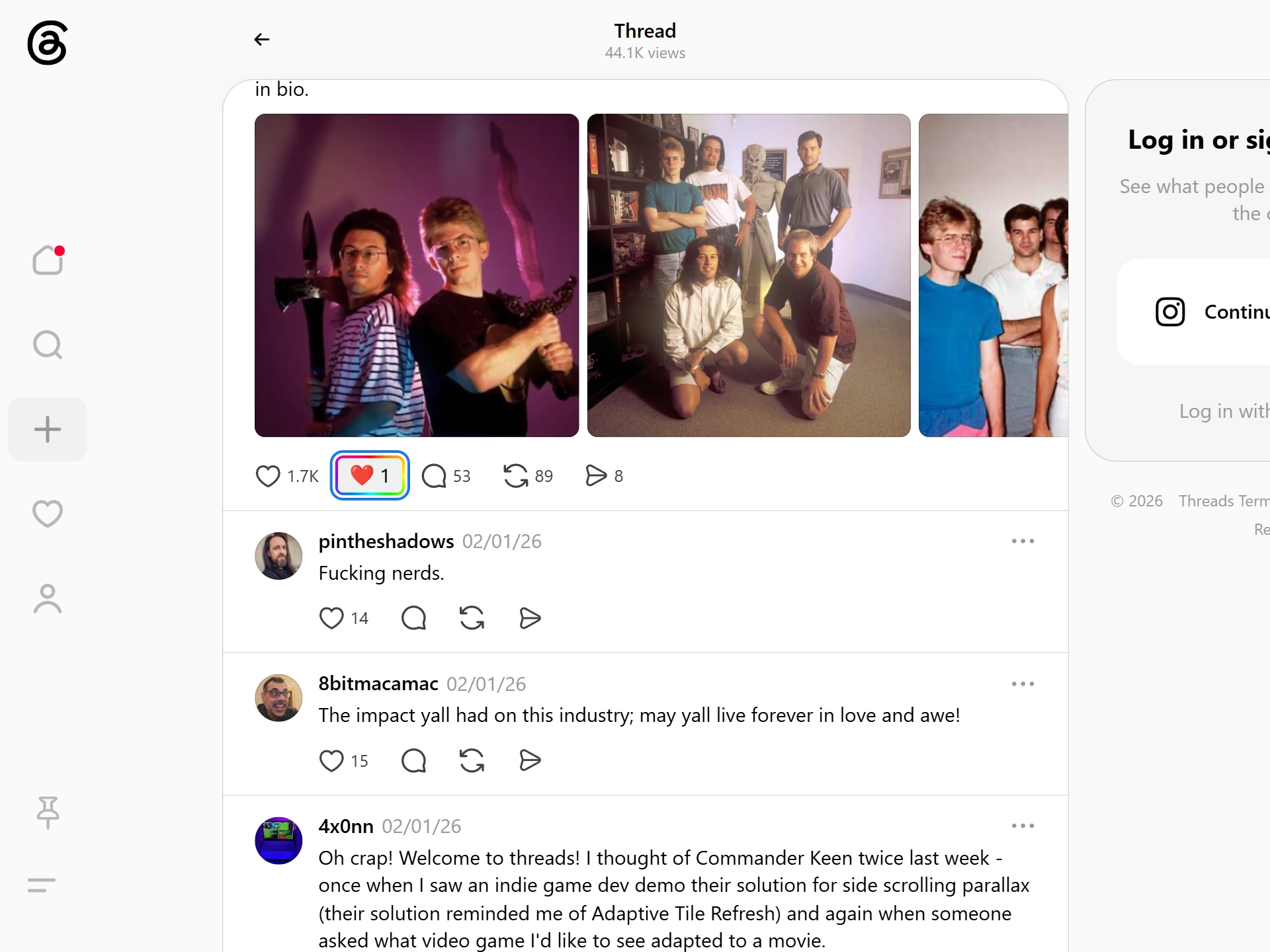
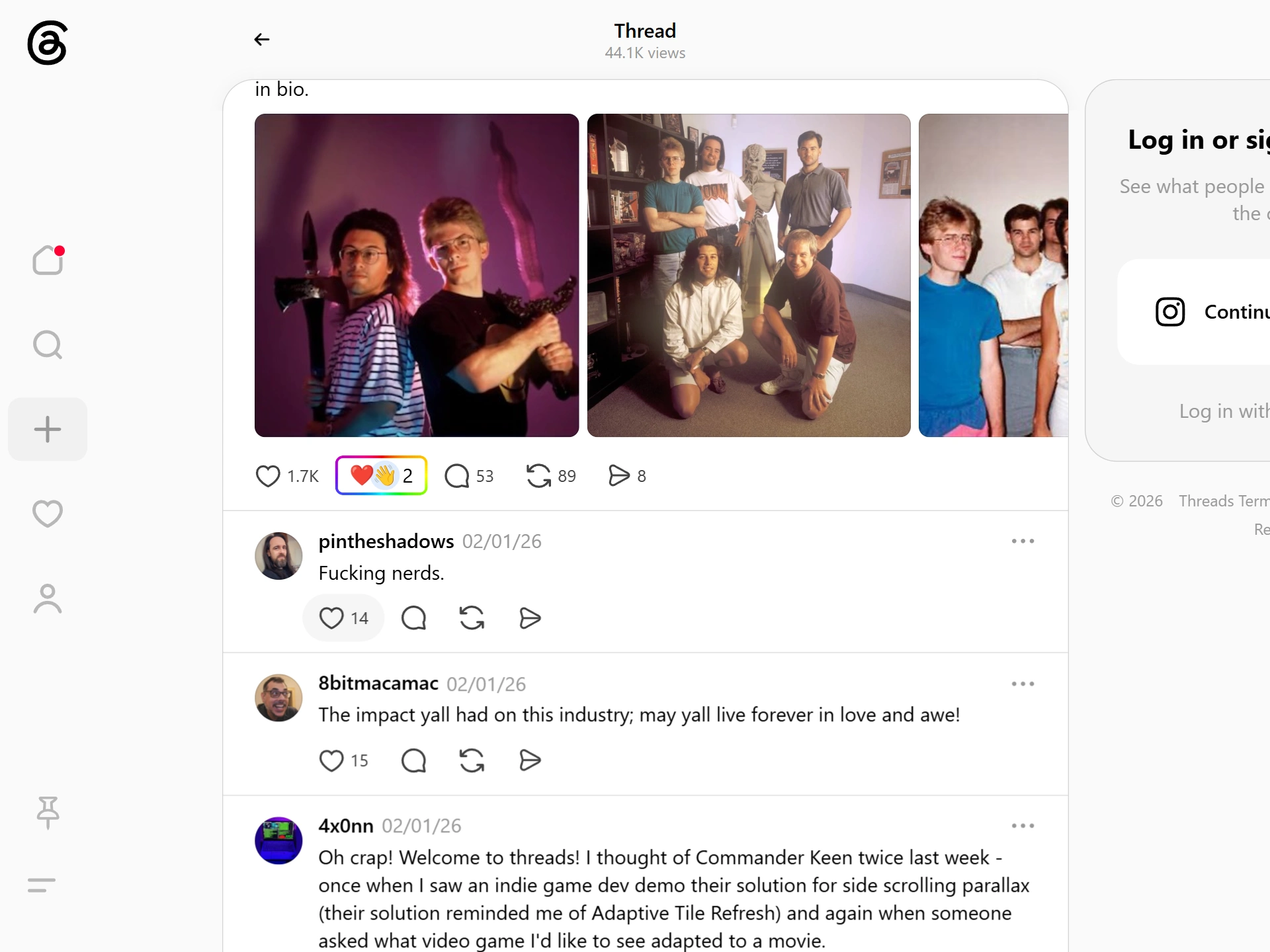
Threads gives a post 2 responses that cost nothing: a like, and a repost. Everything past that (agreement with a caveat, sympathy, doubt, the joke you got 3 lines in) has to be typed into the reply box and published under the post with your name on it.
That is a steep step. A reply is quotable, it draws replies of its own, and on a text platform it reads as an argument you have chosen to enter. So most people who felt something specific press the like and move on, and the specific part is simply lost.
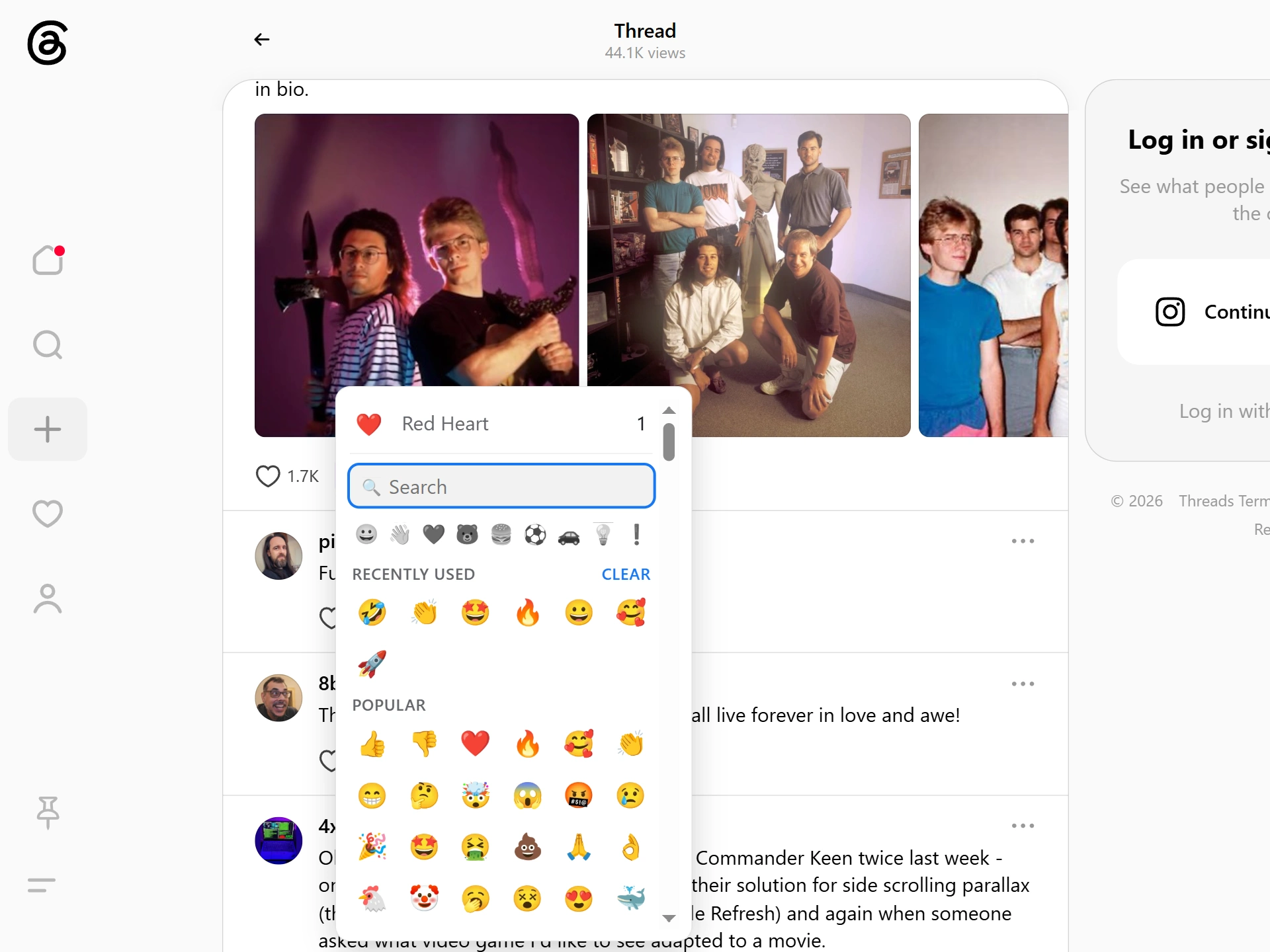
Emojery fills that middle step. The emoji you pick is a public count on the post instead of a message in its thread: specific enough to say which way the post landed, cheap enough that you'll actually leave it.
Threads sorts the same post differently for everyone: a For You slot, a Following slot, a search result, a quote from someone else. The reaction ignores all of it and attaches to the post's own permalink, so the total is the same number whichever route brought you there, and it is still there when the algorithm has moved on.
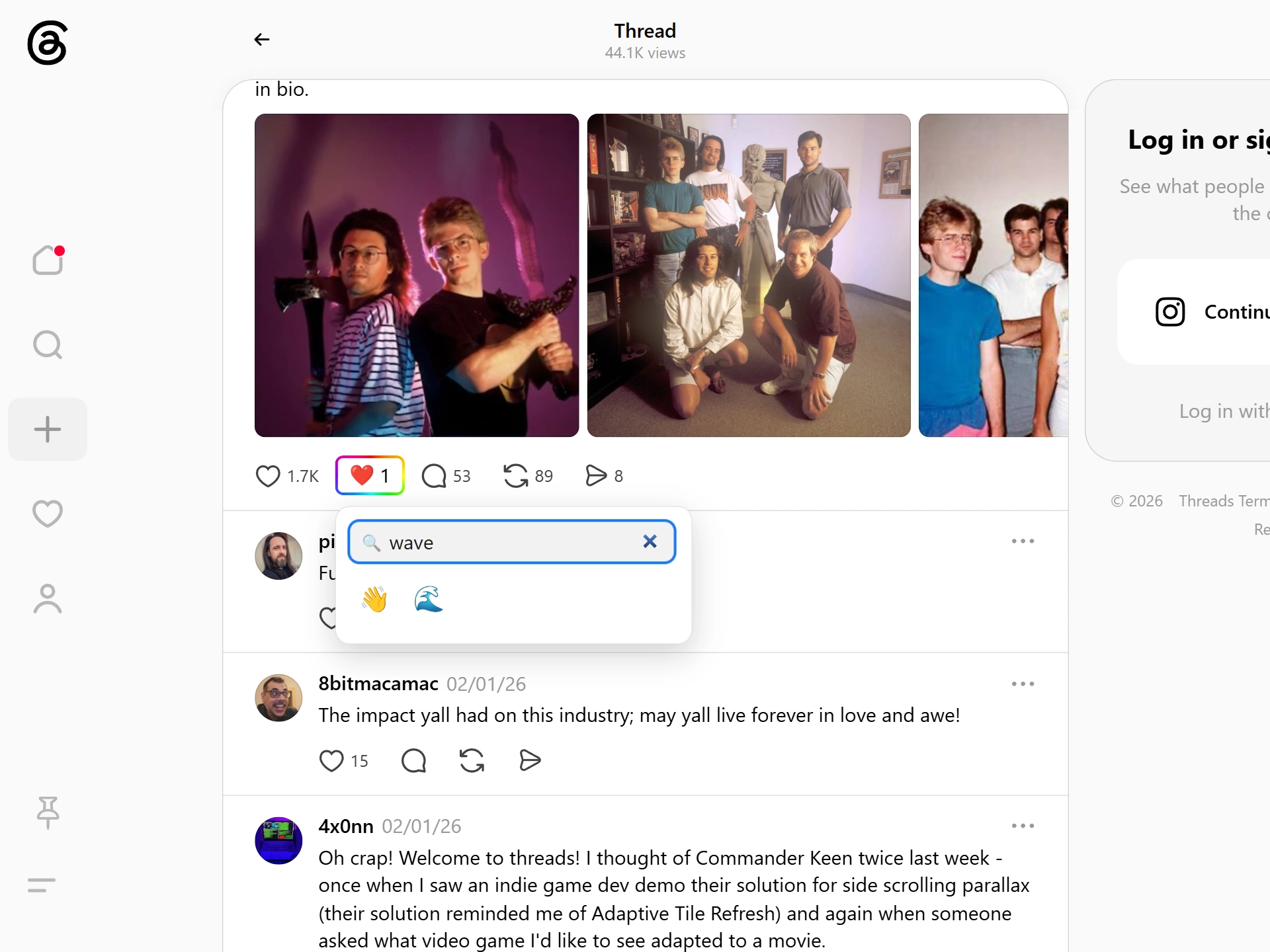
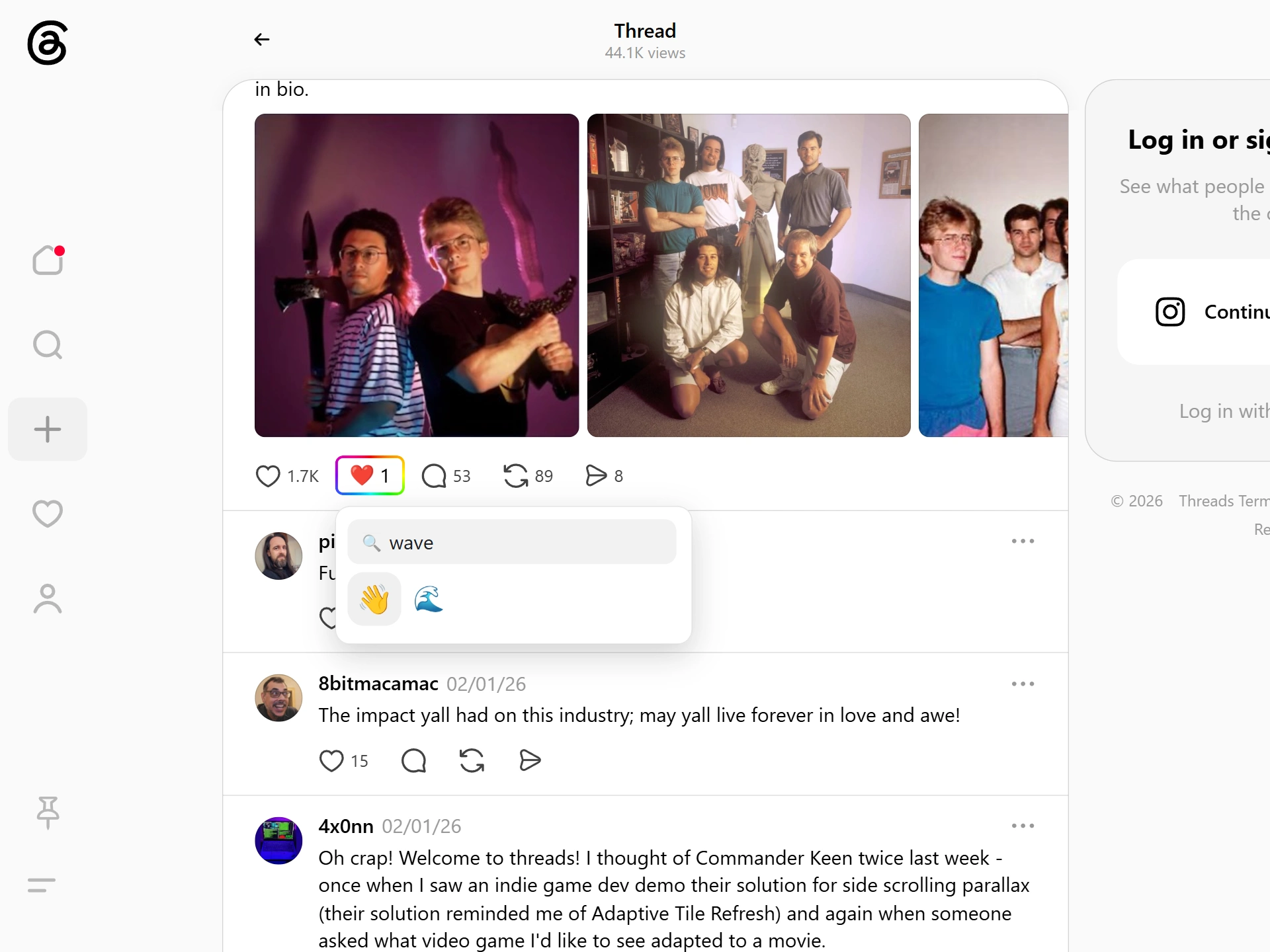
The trigger goes next to the like and reply controls and opens the searchable palette: hundreds of emoji, filtered by typing the word you mean. It is the same picker used on every supported site, so a reaction on a Threads post costs the same 2 seconds as one on a video or a repository.
What comes back is a number per emoji and nothing else. Emojery publishes no list of who reacted, exposes no replies to reactions, and gives no one a thread to be dragged into, which is the failure mode of every "comments on any page" tool. Reading the totals needs no account at all; contributing to one asks for a provider sign-in, and that is the whole reason a fresh profile cannot vote twice. The counting rules are written out on the counts page.
Support covers public posts, the surface where the gap between a like and a reply is widest. Other Threads surfaces can follow the same model later, and reactions already left stay attached to their post either way. Posting the same thing on Instagram or X? Both carry the layer too.
Some people want both layers to move together. Turning on the off-by-default Auto-press original buttons setting does that: an emoji you have filed as positive also taps the Threads like, with the same effect as tapping it yourself. There is no dislike on Threads to mirror, so negative and neutral picks press nothing at all, and dropping your reaction only releases a like the extension put there; one you tapped yourself is left alone.
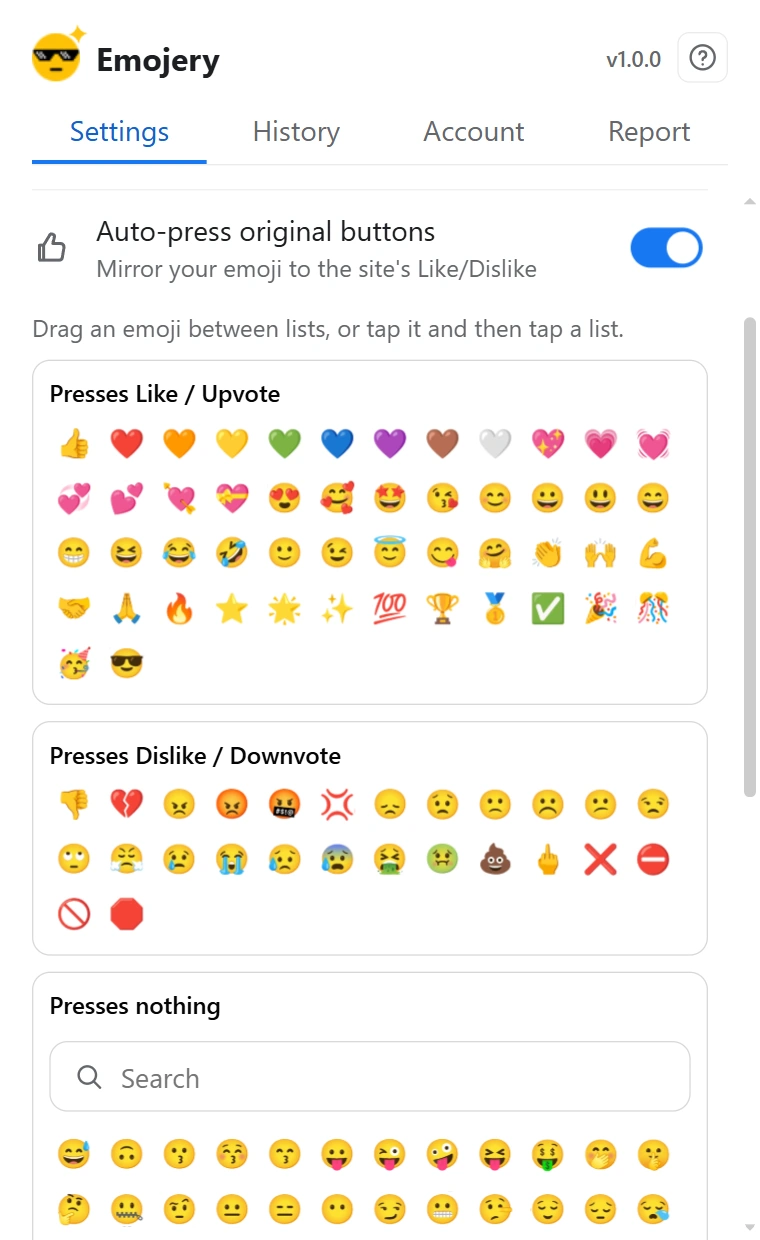
A reaction is keyed to the Threads post's public permalink, never to your Threads or Instagram login, and it goes to Emojery rather than to Meta, and by default it presses nothing on the post. Posts from private profiles have no public target, so they are never counted.
Read the full privacy policy.
Install Emojery, open a public Threads post, and leave the reaction you would have typed out.
No. It never appears among the replies and carries no text for anyone to respond to. It only moves a number in the Emojery layer on that post.
No. The like is untouched, and the extension presses nothing on a post unless you turn that on. Hide original buttons clears the native control from your own view; Auto-press original buttons ties your emoji to the like instead of leaving the 2 separate.
No. A reaction needs a public permalink an anonymous visitor can open, and a post from a private profile has none, so there is no target to count against.
Public posts today, with other surfaces able to follow the same model later.
The same emoji reaction layer — one account, across every supported site.