
Turn Emojery off on one site
There is a per-site switch for every supported site, and a master switch above all of them. Neither one needs an uninstall.
Switch off one site
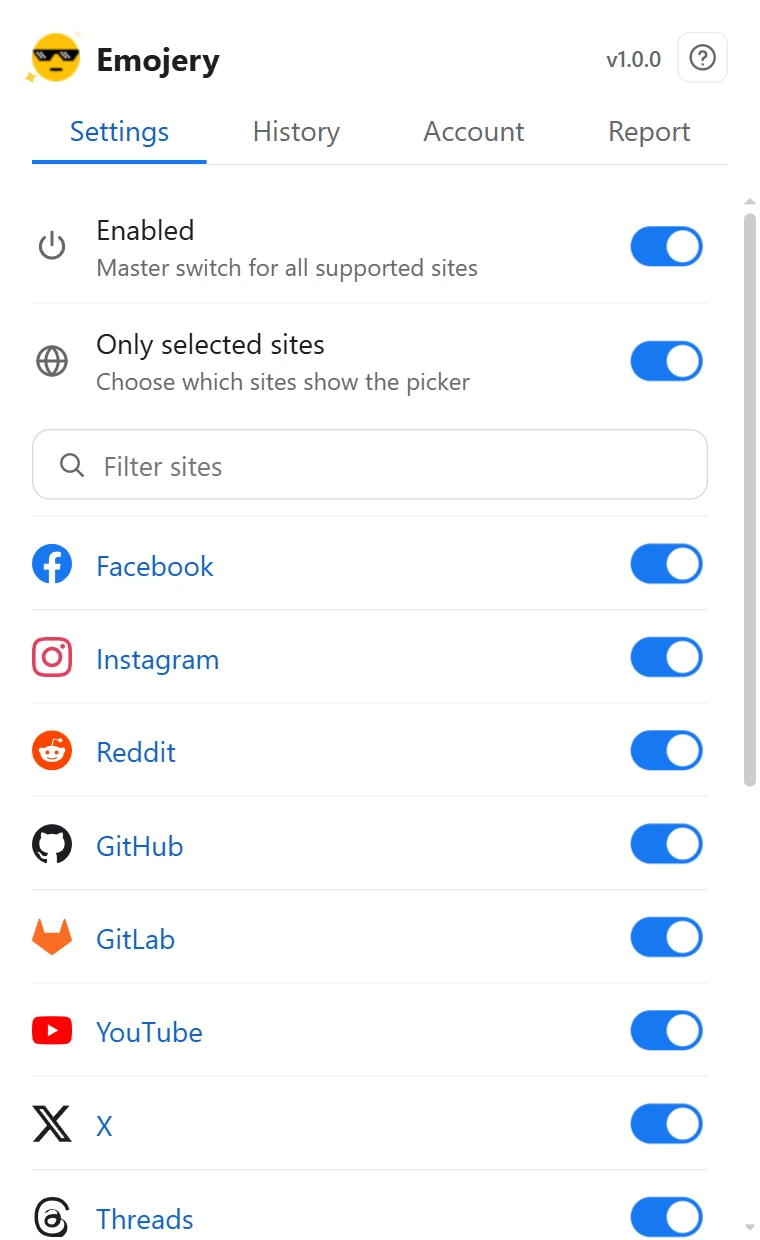
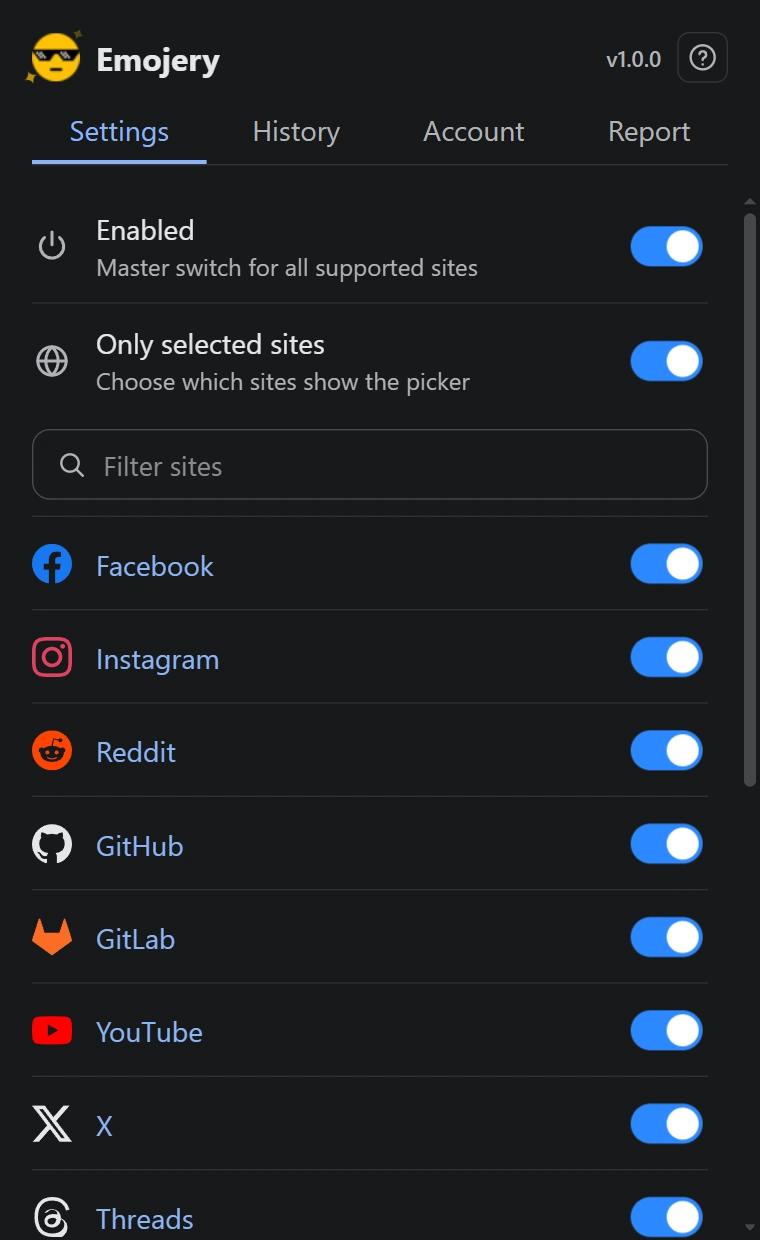
- Open the popup and go to the Settings tab.
- Switch on Only selected sites. A list of every supported site appears under it.
- Find the site. A filter field sits above the list, which beats scrolling every supported site to reach one of them.
- Switch that site off. The picker stops appearing there and stays everywhere else.
- Reload any tab already open on that site.
Switch everything off
- In the Settings tab, switch off Enabled. It is the master control for every supported site at once.
Switching the section off re-enables everything
Turning Only selected sites back off does not remember your per-site choices as an inactive list. It puts every site back on. Re-entering the section means setting your exceptions again.
The 2 switches stack
Enabled sits above everything. With it off, a per-site toggle being on changes nothing. When the picker is missing somewhere, those are the first 2 things to check, in that order.
This is not the same as uninstalling
A disabled site keeps your account, your history and your past reactions intact. Nothing is deleted, and switching it back on restores the picker there immediately.