
Find an emoji
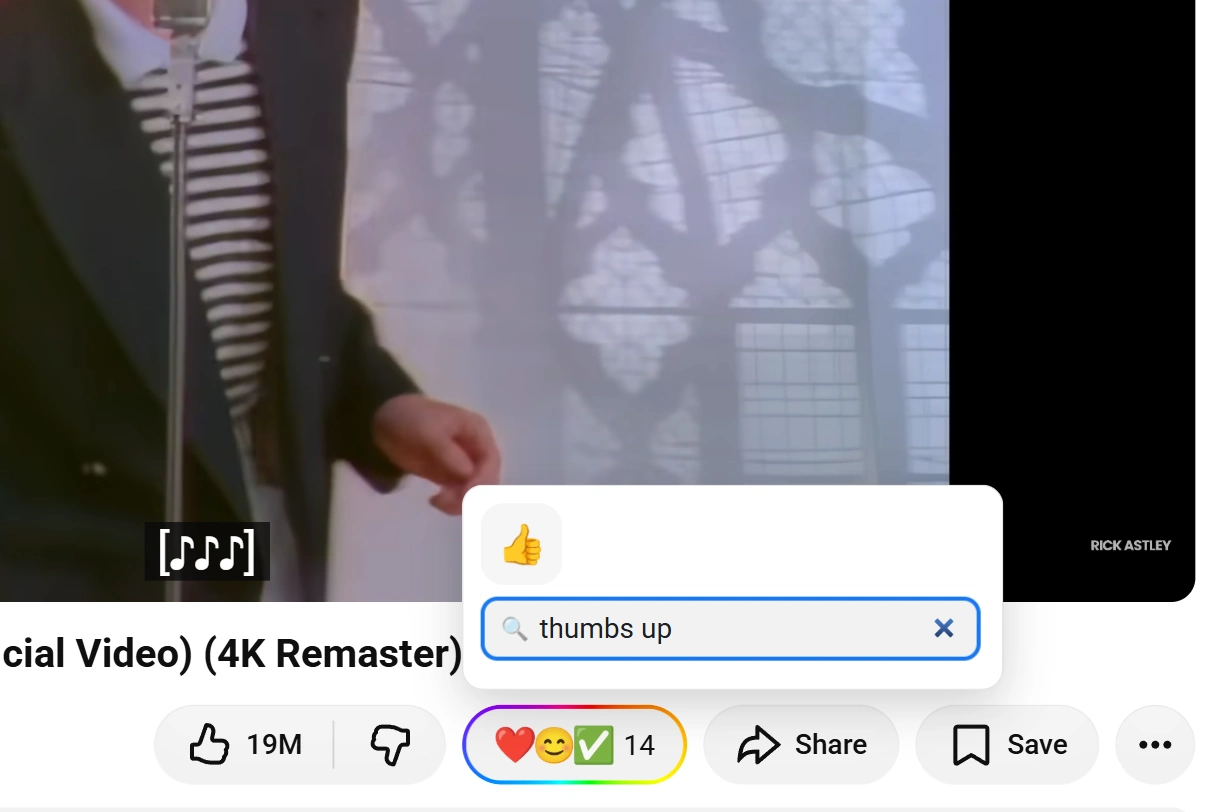
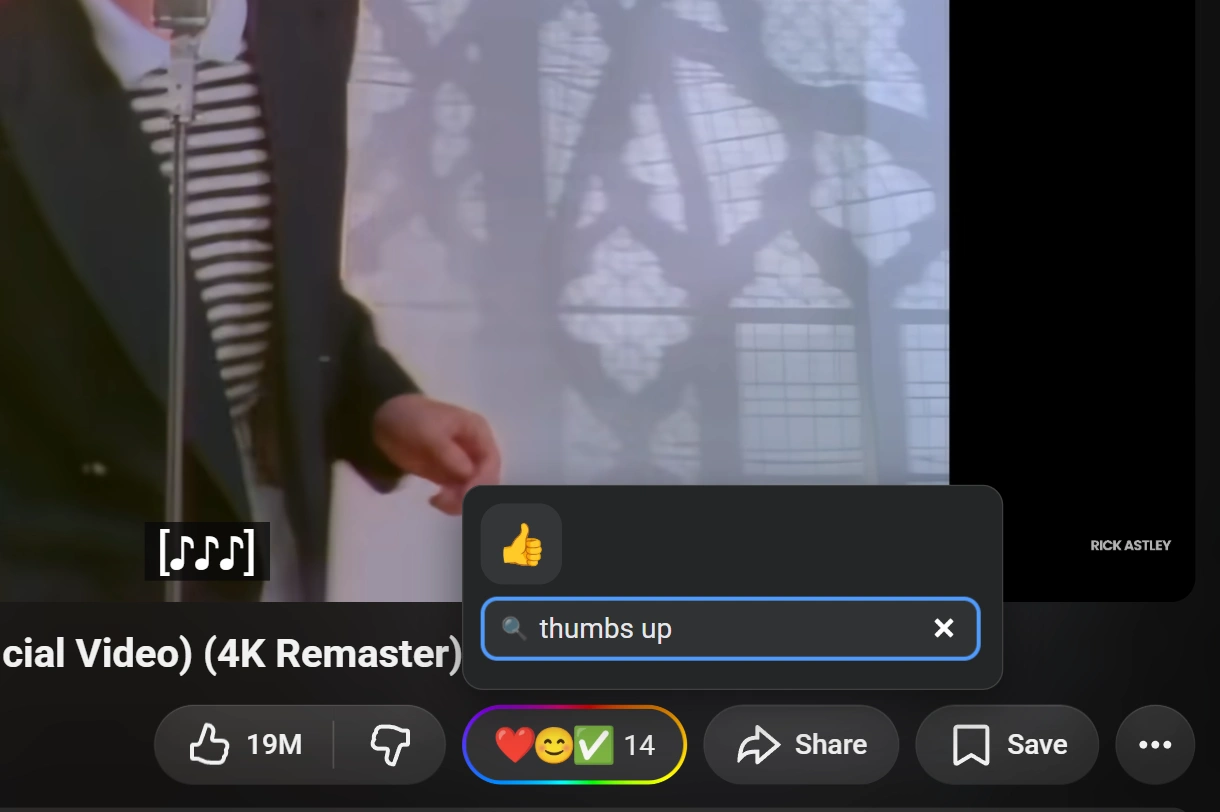
The picker holds the full emoji set rather than a site's handful of defaults, so finding one is a search problem. It is built for typing, not scrolling.
Search by name
- Open the picker on any supported item.
- Type into the search field at the top. Matching runs on Unicode CLDR labels and tags, in whichever language your browser is set to:
love,amourand愛all find ❤️. - Click the emoji you want, or press Enter on the one the keyboard has focus on.
Use the picker from the keyboard
- Move between emoji with the arrow keys.
- React with Enter or Space.
- Close the picker with Esc.
The 2 shortcut rows
Recently Used is yours: the emoji you have been reaching for, kept at the top. Clear empties it.
Popular is everyone's: the emoji the whole Emojery community picks most, counted across every supported site and refreshed daily. It shifts over time on its own.
Screen readers
The button announces itself as Add reaction, the picker announces when it opens, and the current selection is announced as you move. Your own pick is announced as your reaction rather than shown by color alone.