
The button is missing on a site
Most of the time a switch is hiding it. When that is not the reason, reporting it from the affected page is what gets it fixed.
Check these in order
- Is the site supported? The toolbar icon is gray with no number on a site Emojery does not handle. The supported list is on the home page and the roadmap has what is coming.
- Is Enabled on? It is the master switch in the Settings tab, and it overrides everything below it.
- If Only selected sites is on, is this site's own toggle on? See the per-site toggles.
- Reload the tab. Settings changed while a page was open do not all reach it retroactively.
- Scroll. On a feed, buttons mount as posts come near the part you are reading rather than all at once.
- Is the page public? Emojery offers no reactions on private repositories, closed groups, private accounts or anything an anonymous visitor could not open.
Report it from the broken page
This is the part that matters: the report carries the URL, and a layout bug that cannot be reproduced cannot be fixed.
- Stay on the page where the button is missing.
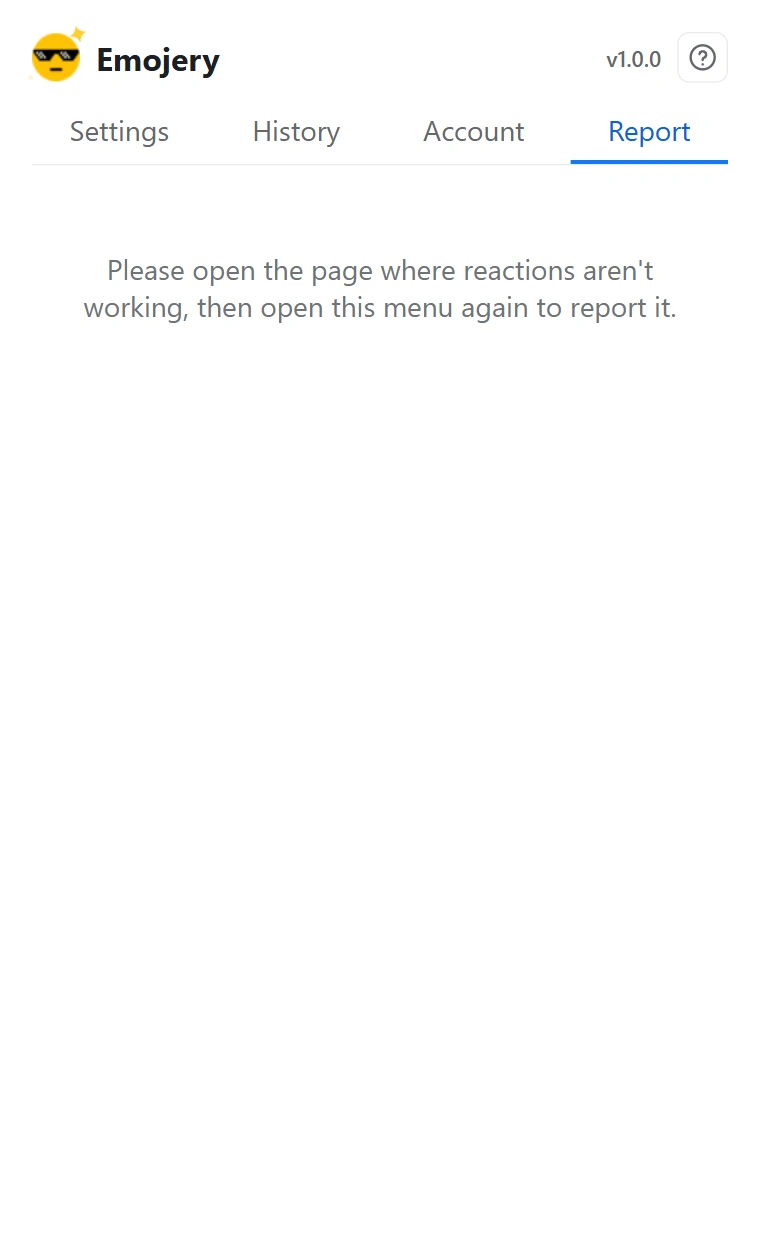
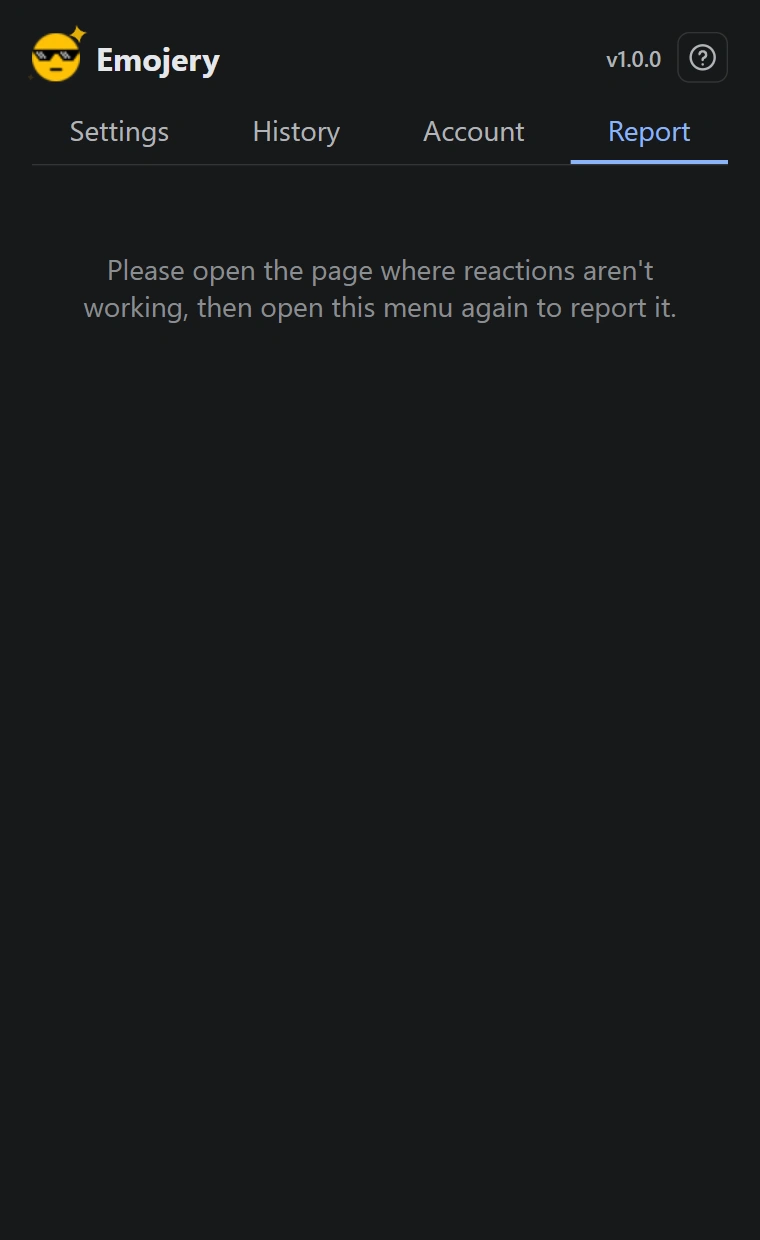
- Open the popup and go to the Report tab. It needs you to be signed in, and it needs a supported page open.
- Describe what you expected and what you got, in at least 10 characters.
- Click Send report. The detected site and the page URL go with it.
Why a site breaks in the first place
Emojery finds the action row using a small set of selectors per site, and a site can change its markup overnight. When it does, those selectors stop matching and the button has nowhere to mount.
The fix is an adapter update shipped as a normal extension release. A broken adapter can stop the picker from appearing on 1 site; it cannot touch counts, the public log or anything outside a store-reviewed update.
Asking for a new site instead
The Report tab is for a supported site that is misbehaving. A site Emojery does not cover yet is a site request, which goes to the issue tracker with a couple of example URLs so it can be tracked and closed when the adapter ships.