
Check sentiment before checkout
See whether people are excited, skeptical, disappointed, amused, or warning others before you rely on the star average alone.
See whether people are excited, skeptical, disappointed, amused, or warning others before you rely on the star average alone.
Leave a fast public signal when a long marketplace review is too much but a reaction still helps future shoppers.
Use the same emoji vocabulary across product pages to spot which listing has more trust, doubt, or buyer enthusiasm.
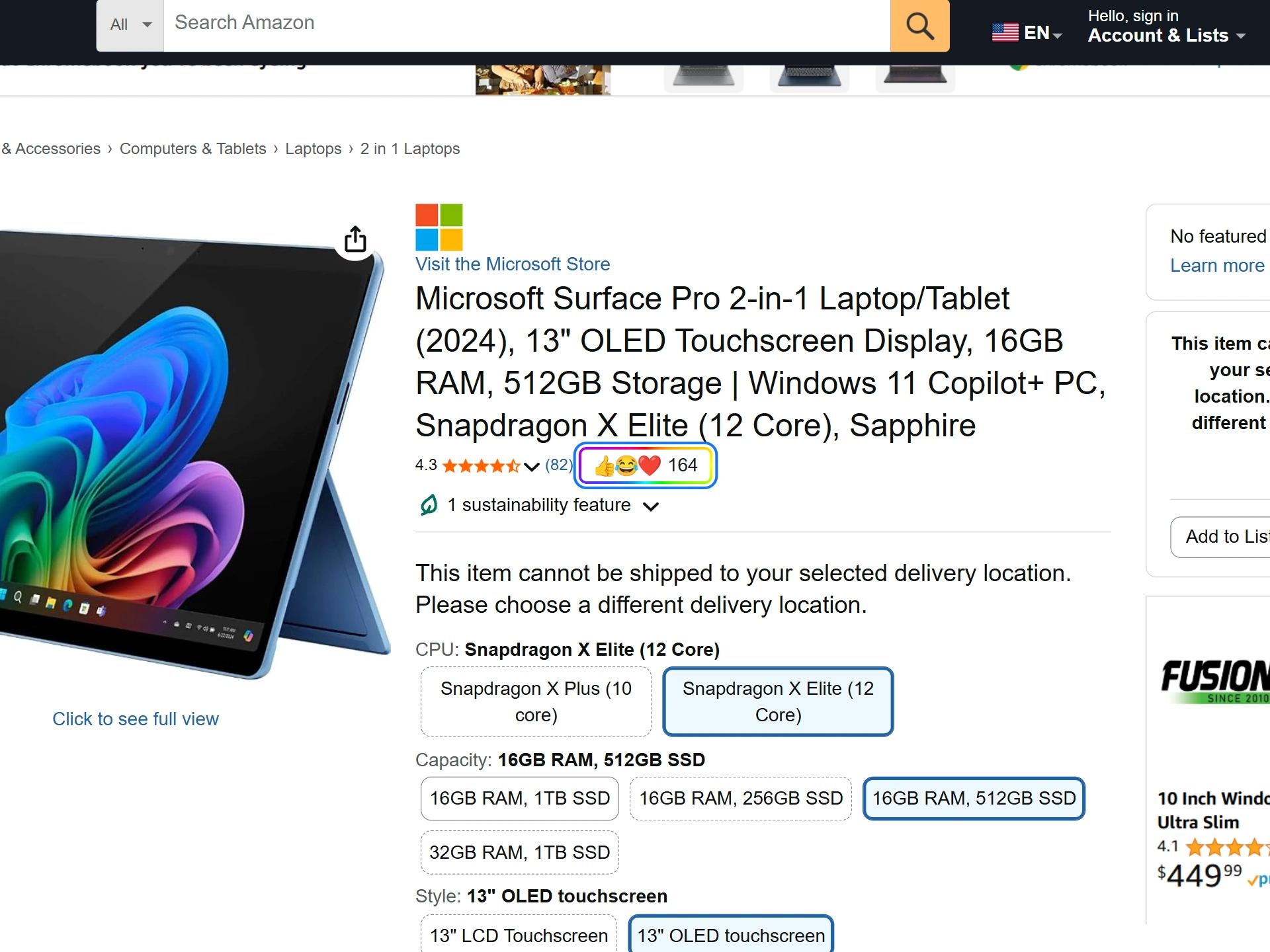
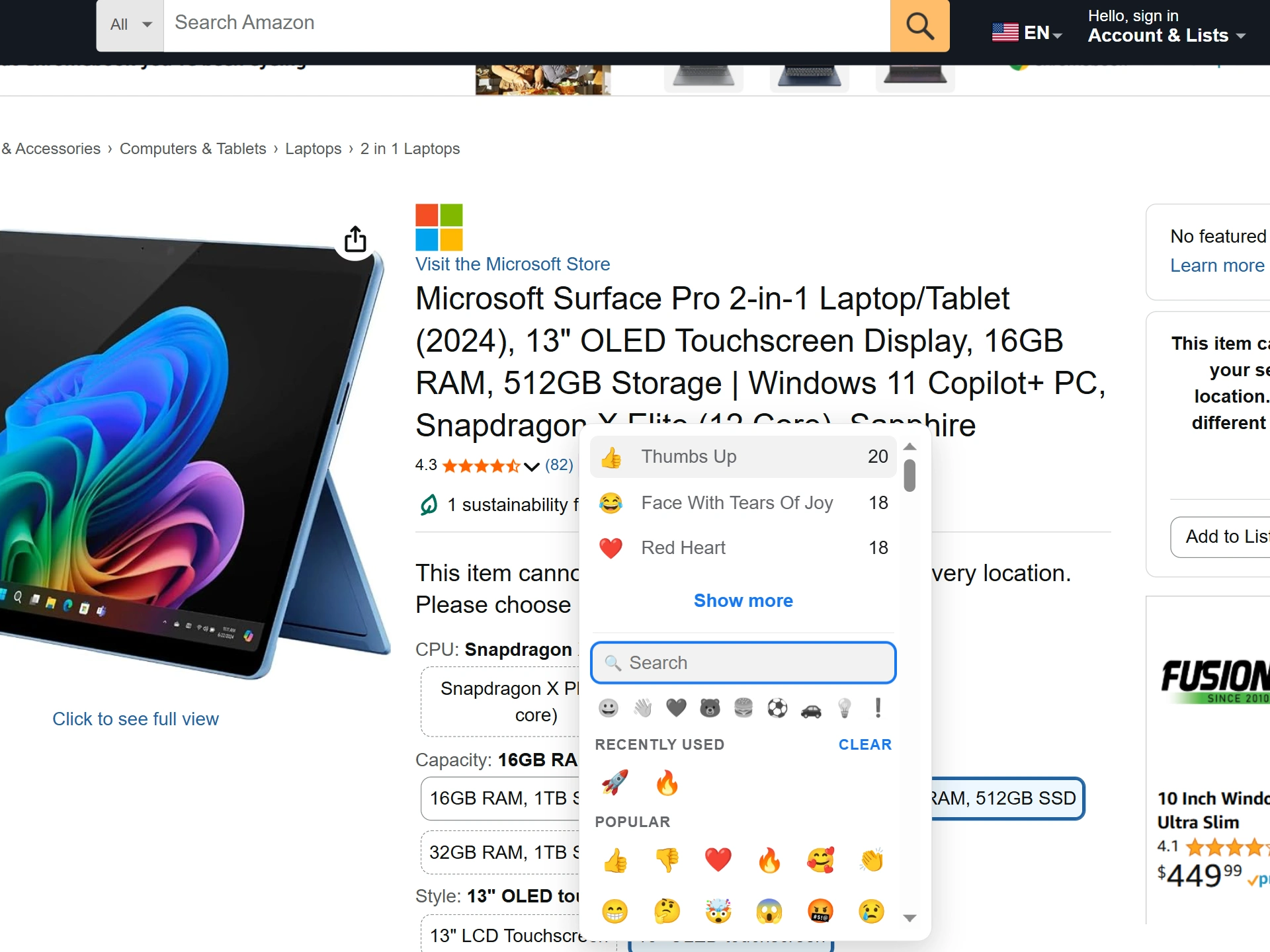
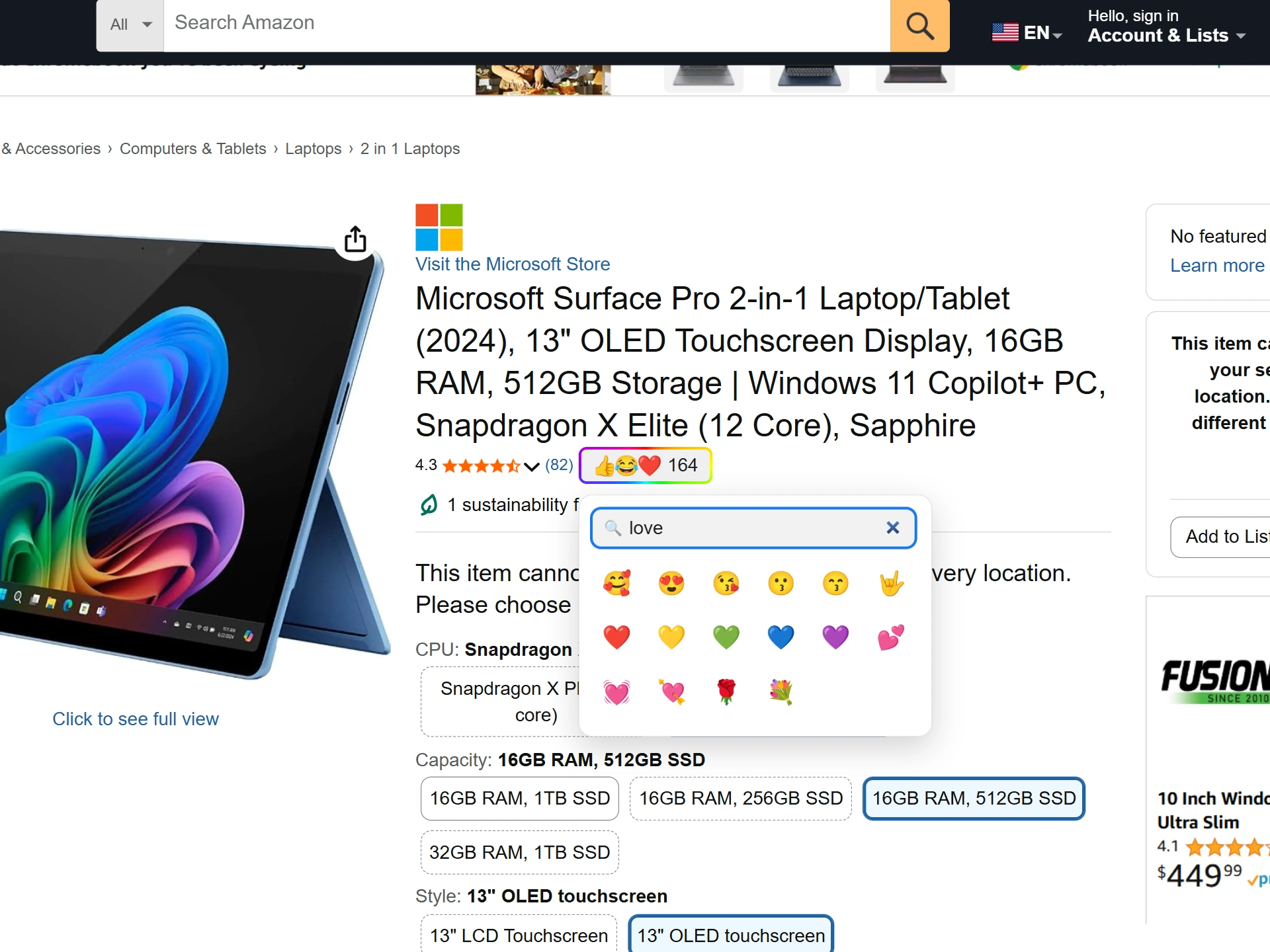
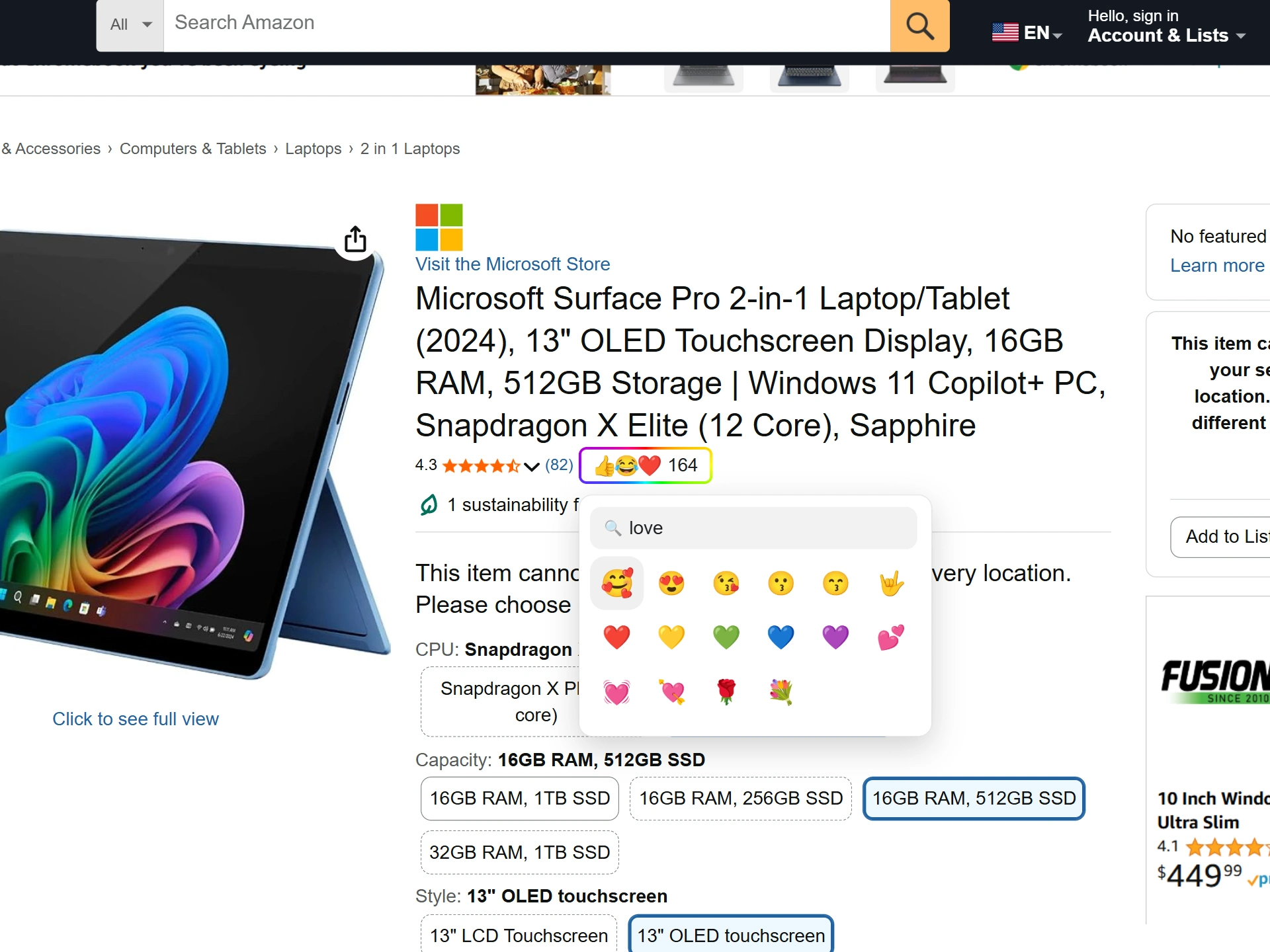
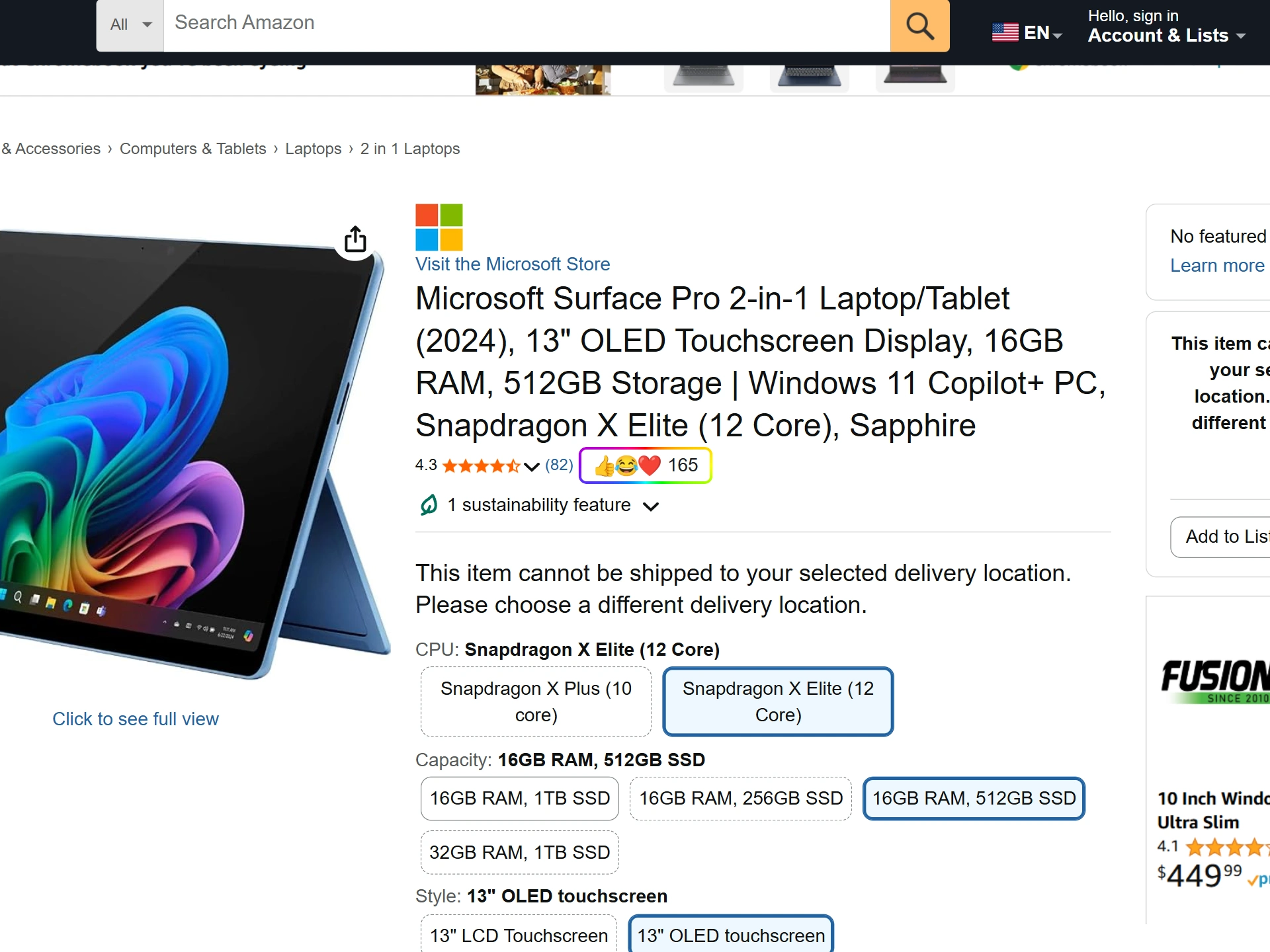
A product can average 4 stars while still leaving shoppers with very different reactions. Some buyers think it is excellent for the price. Others think it is overhyped, fragile, suspicious, funny, disappointing, or useful only for a very specific case. A single rating average does not show that texture.
Emojery gives people a lightweight way to express that texture without writing a full review. The result is a public reaction strip that can show which emotions or judgments are gathering around the product.
Emojery does not grade review authenticity, rank sellers, summarize comments, or replace Amazon reviews. It is a separate layer for fast reactions on the product page itself, drawn from the same emoji palette as every other supported site — one more signal, never the only reason to buy or skip something.
Judging the reviews a listing already has is a different job, and tools like ReviewLens do it. They grade the seller's own review pile for fakes. Emojery never reads that pile; it collects a fresh signal from shoppers directly, so the two answer different questions about the same page.
The extension derives the product target from the Amazon product URL and ASIN. That lets the reaction layer follow the product page instead of a search result, sponsored placement, or page layout detail. When the product page has a rating block, Emojery appears near that shopping signal; if the rating block is missing, it falls back to a nearby product or buy-box area.
Emojery runs on Amazon's 12 regional storefronts today: the US (amazon.com), UK (amazon.co.uk), Germany (amazon.de), France (amazon.fr), Italy (amazon.it), Spain (amazon.es), Canada (amazon.ca), Australia (amazon.com.au), Japan (amazon.co.jp), India (amazon.in), Brazil (amazon.com.br), and Mexico (amazon.com.mx). The same reaction model is used across all of them.
A product's totals are readable by anyone, with no Amazon or Emojery login. Adding to them takes a provider sign-in, so the strip counts shoppers rather than anonymous installs.
A wall of hearts and thumbs up reads very differently from a mix of thinking faces, warning symbols, and disappointment, even when both products sit at the same 4 stars. Look at which emoji dominate, and at whether the second-place emoji agrees with the first or contradicts it.
The reaction layer belongs to neither the seller nor the listing. It uses Emojery's own interface and counting model, the same one running on repositories, videos, and social posts, so the signal reads the same way wherever you meet it.
Emojery never sees your Amazon account, cart, or orders: it asks for the counts of the products on screen by their public ASINs and stores none of that, and a reaction is keyed only to the product's ASIN, never to your shopping session. The public output is the aggregate emoji count for that product: no list of who reacted, and nothing tied back to a buyer.
Read the full privacy policy.
Install Emojery, open a supported Amazon product page, and check the emoji layer before you buy.
No. It does not edit reviews, ratings, seller data, or the product listing. It adds a separate reaction layer in your browser.
The ASIN, so a reaction follows the product itself rather than a search result or sponsored placement.
No. Nobody gets a list of who reacted, sellers included — the public layer is the aggregate count for the product.
The same emoji reaction layer — one account, across every supported site.