
Show why a repo matters
Use hearts, fire, thinking faces, warnings, or thumbs to separate practical use, excitement, concern, and curiosity from a plain Star.
Use hearts, fire, thinking faces, warnings, or thumbs to separate practical use, excitement, concern, and curiosity from a plain Star.
A reaction strip gives visitors a fast signal before they open issues, discussions, or pull requests.
The Star still marks the repositories you want to find again. The emoji says what you made of the code.
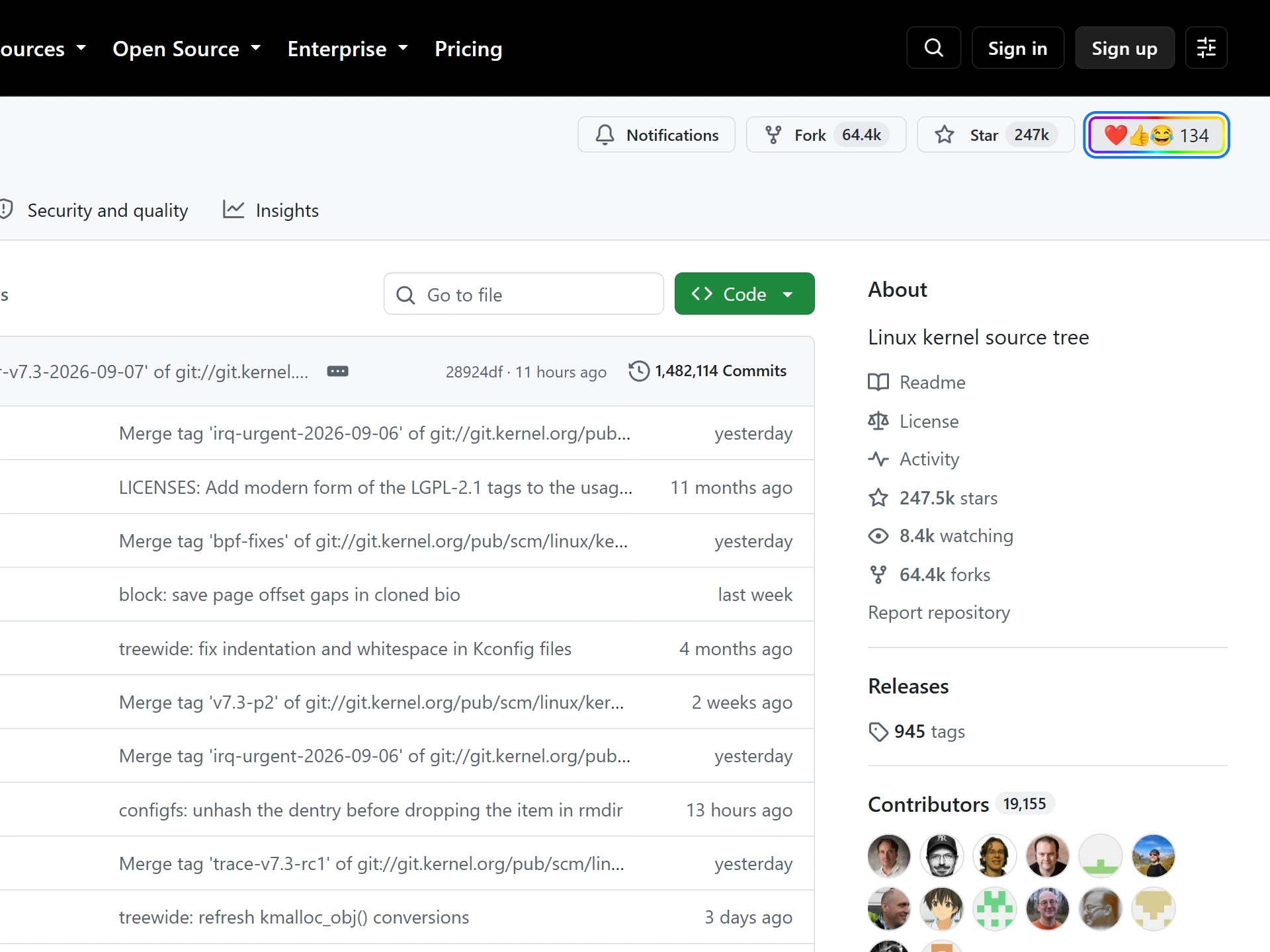
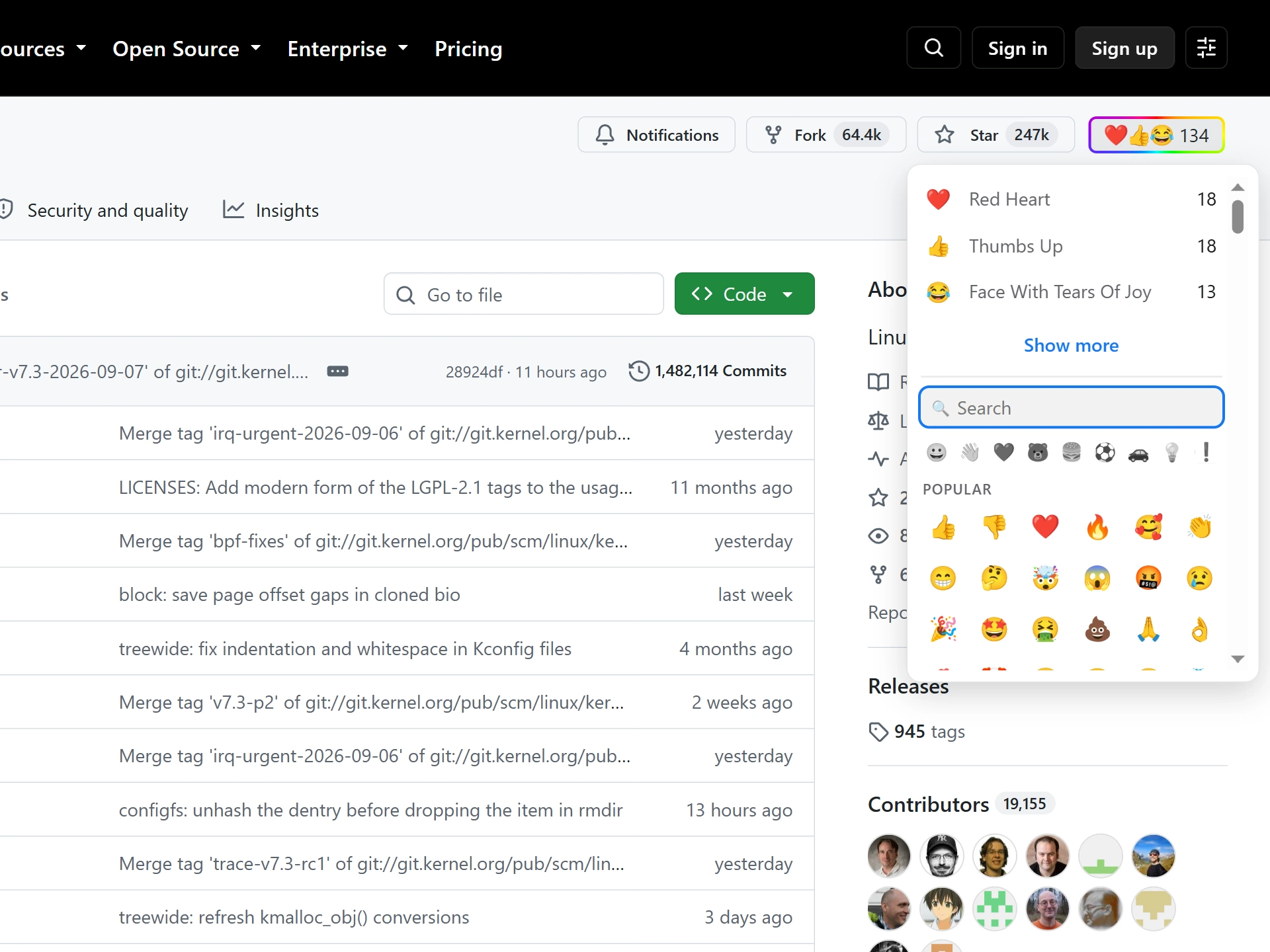
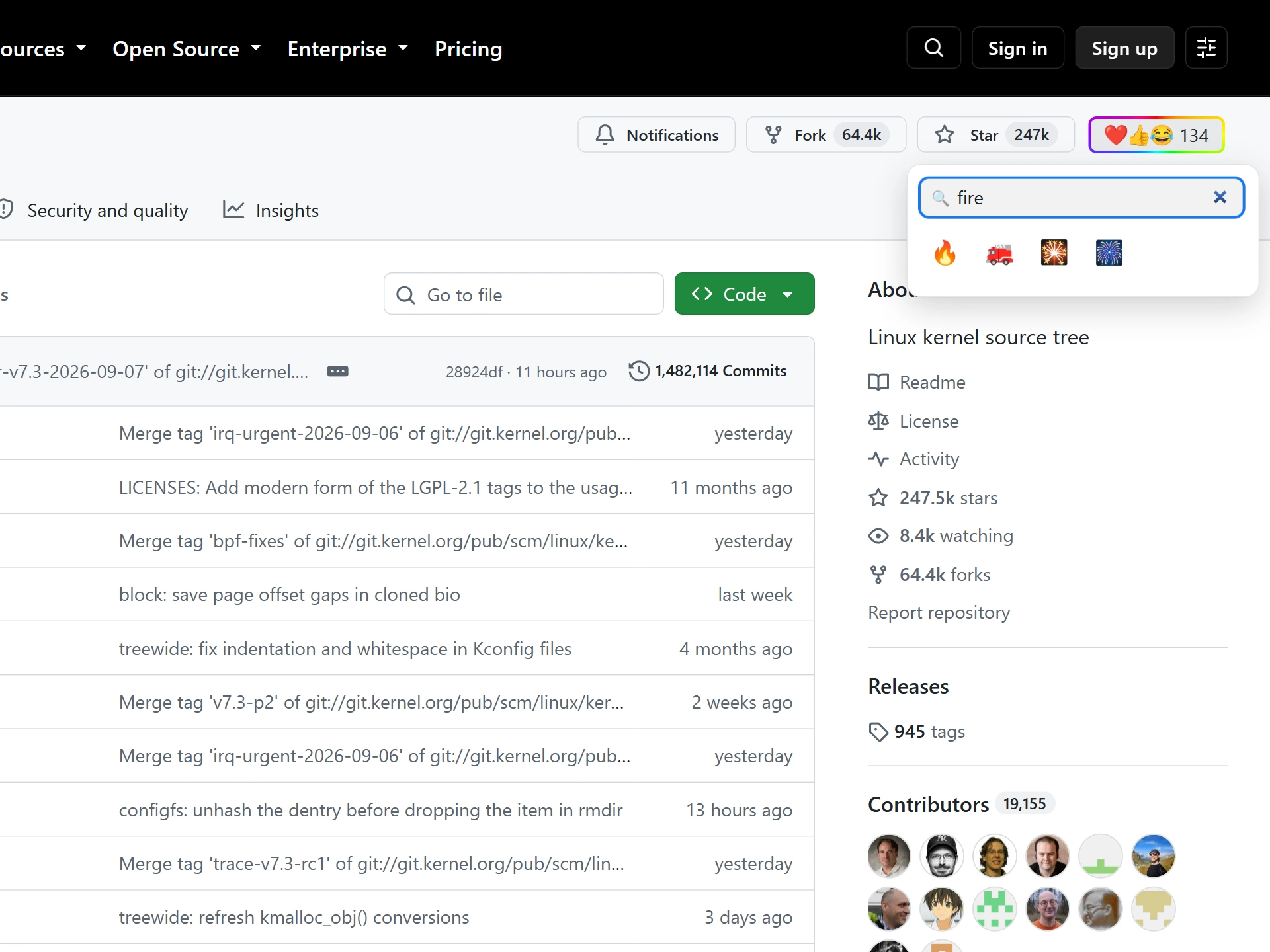
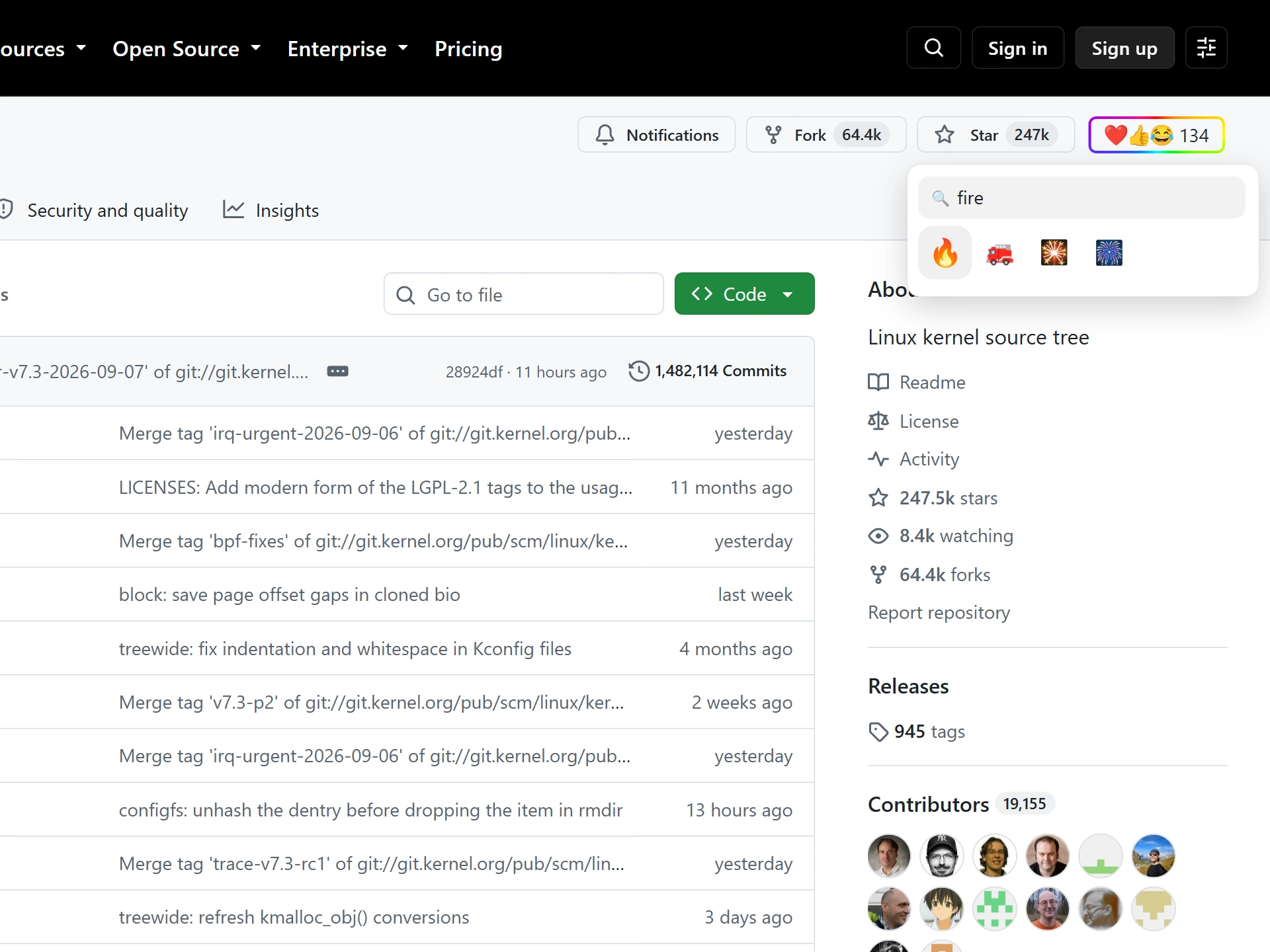
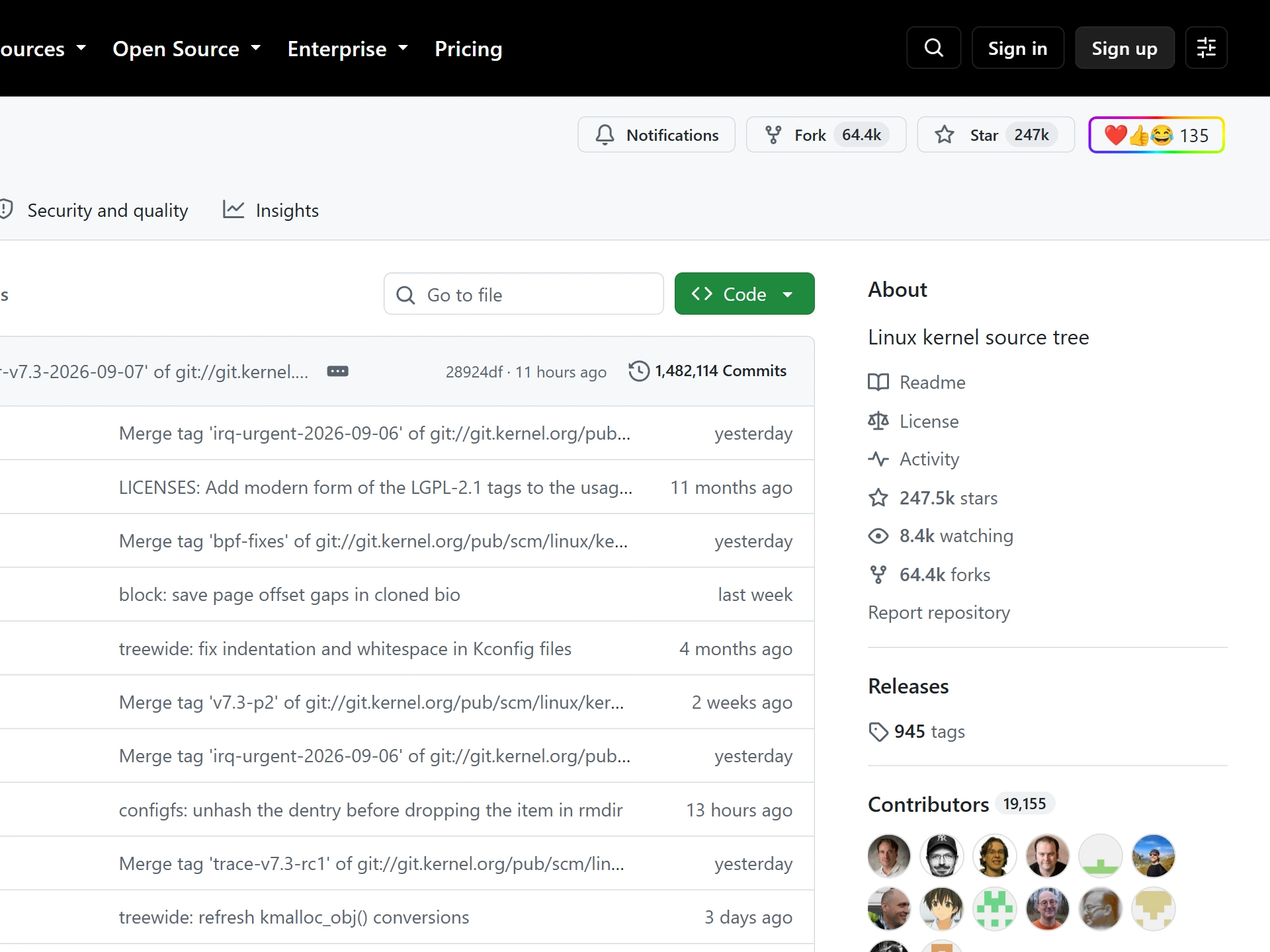
On GitHub, Stars are a familiar signal. They help people bookmark projects, show public interest, and compare repository popularity. The problem is that a Star has to carry every possible meaning at once: "I use this", "I want to read this later", "this is clever", "this worries me", "this is funny", or "this deserves attention".
Emojery keeps the Star intact and adds a second signal beside it, so a visitor can say which of those things they actually meant.
The GitHub adapter targets public repository home pages today. A reaction belongs to the canonical owner/repo target rather than to a random comment, tab, search result, or private page. If someone opens the same public repository later, they see the same Emojery count beside the repository actions.
Emojery sits in the repository action row, alongside the Star and Fork controls. The trigger opens the searchable palette, and typing narrows it: bug, rocket, warning, thinking. Nobody has to scroll a grid of hundreds to leave the reaction they already had in mind.
Reaction totals are readable by anyone, signed in or not. Adding your own costs a single provider sign-in, and that one step is what stands between a repo's total and a script with a hundred fresh browser profiles.
GitHub's Star is left untouched, so the 2 controls sit side by side. Prefer only the picker? Hide original buttons in the popup hands it that space. The switch redraws your own view and nothing else: no Star is removed, and every other visitor loads the repository exactly as GitHub built it.
GitHub already has emoji reactions, but only inside conversations. On an issue, a pull request, a discussion, or any comment, the smiley button adds one of 8 reactions: 👍 👎 😄 🎉 😕 ❤️ 🚀 👀. They are public to that thread and work well for signalling agreement on a specific comment.
What GitHub has never had is a reaction on the repository itself. Emojery is that missing layer, and it leaves the in-thread reactions and the Star exactly where they are.
Maintainers get a read on their own project that a raw Star count cannot give them: whether people are enthusiastic, wary, amused, or merely curious. Visitors get the same read before they commit an afternoon to a codebase.
None of that replaces issues, pull requests, discussions, or a proper review. It covers the moment in between, when writing a full comment is more effort than anyone is going to spend. The same repo-level layer runs on GitLab.
The extension itself is public on GitHub, and the counting model is documented on the counts page. If reaction counts matter, the path from click to public aggregate should be easier to inspect than a private platform number.
Reacting in the browser is only half of it. A maintainer can embed a reaction badge in the README: the repo's top 3 emoji and running total, added in one line like a CI or coverage badge. It renders for every visitor, whether or not they have the extension installed.
Because it sits at the top of the README, it reaches people who never open the repository page at all. Those arriving from a package listing, a search result, or a link in someone else's post.
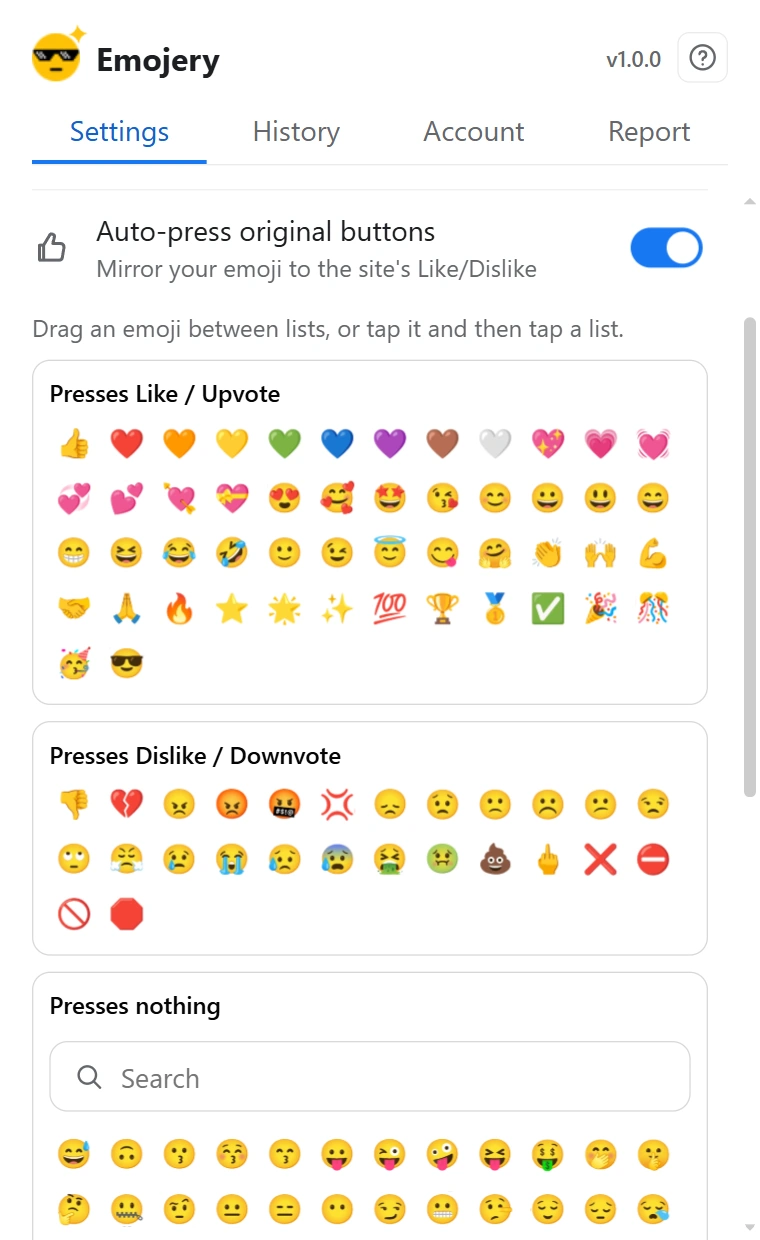
The off-by-default Auto-press original buttons setting links the two layers when you want one click to do both. Picking a positive emoji (a thumbs up, a heart, fire, …) also presses GitHub's own Star, the same action as clicking Star yourself, on your own account. Un-reacting releases only a Star the extension pressed; a Star you set by hand is never touched.
GitHub has no native dislike, so negative and neutral emoji press nothing here. Which emoji count as positive or negative is yours to decide: the popup has 3 drag-and-drop lists you can rearrange freely.
By default, an Emojery reaction never touches your GitHub account: it doesn't Star, follow, or post, and it goes to Emojery rather than to GitHub. The one exception is opt-in, and it is the Auto-press setting described above. What becomes public is the aggregate count alone, never a list of who reacted, and private repositories have no public target to count.
Read the full privacy policy.
Install Emojery, open any public repository, and leave the reaction a Star cannot carry.
No. The Star works exactly as it always has, with the emoji layer beside it. Hide original buttons can take the native control out of your own view if you prefer only the picker.
No. Emojery is designed for public, addressable targets. Private repositories are not eligible for public reaction counts.
The current GitHub support focuses on public repository pages only.
Inside a conversation (an issue, pull request, discussion, or comment), use GitHub's own smiley button and pick one of its 8 reactions (👍 👎 😄 🎉 😕 ❤️ 🚀 👀). On the repository page itself, install Emojery and open the picker beside the Star.
Not natively. GitHub's reactions exist only inside conversations, and a repository's own signal is the Star. Emojery adds the repo-level layer, keyed to the owner/repo.
Yes — a one-line reaction badge, added like a CI or coverage badge. It renders for every visitor, extension or not.
The same emoji reaction layer — one account, across every supported site.