What happens when you tap an emoji, step by step, without jargon.
Before we start
Emojery is a small add-on for your browser. It adds a reaction button to pages you already read, with every emoji instead of the site's default reactions. Everyone who has it sees the same totals.
Here's the whole thing in the order you'd meet it, and here it is first as 8 lines for anyone who would rather skip the walk.
No account. No sign-in. No new website to visit. You can install Emojery and only read the counts, forever, without signing in to anything.
The browser asks it which sites it wants. Emojery names the 14 it
supports, plus its own — not "every site you will ever open", which is what most ad blockers and password managers ask for. Everywhere else, the browser flatly refuses to load it, so it isn't running at all. Your browser shows you that same list, read straight from the
add-on's own file. The permission-by-permission version is on Browser permissions.
2. You open a page
The button joins the row that's already there
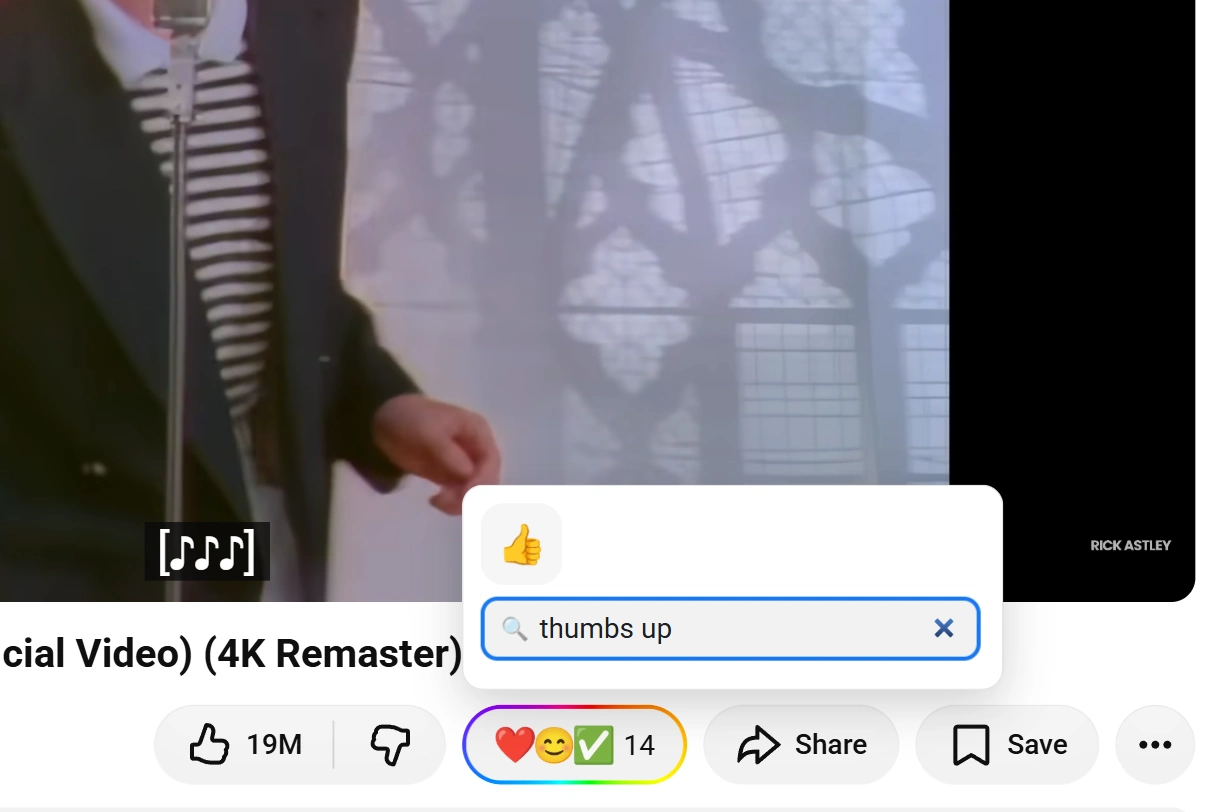
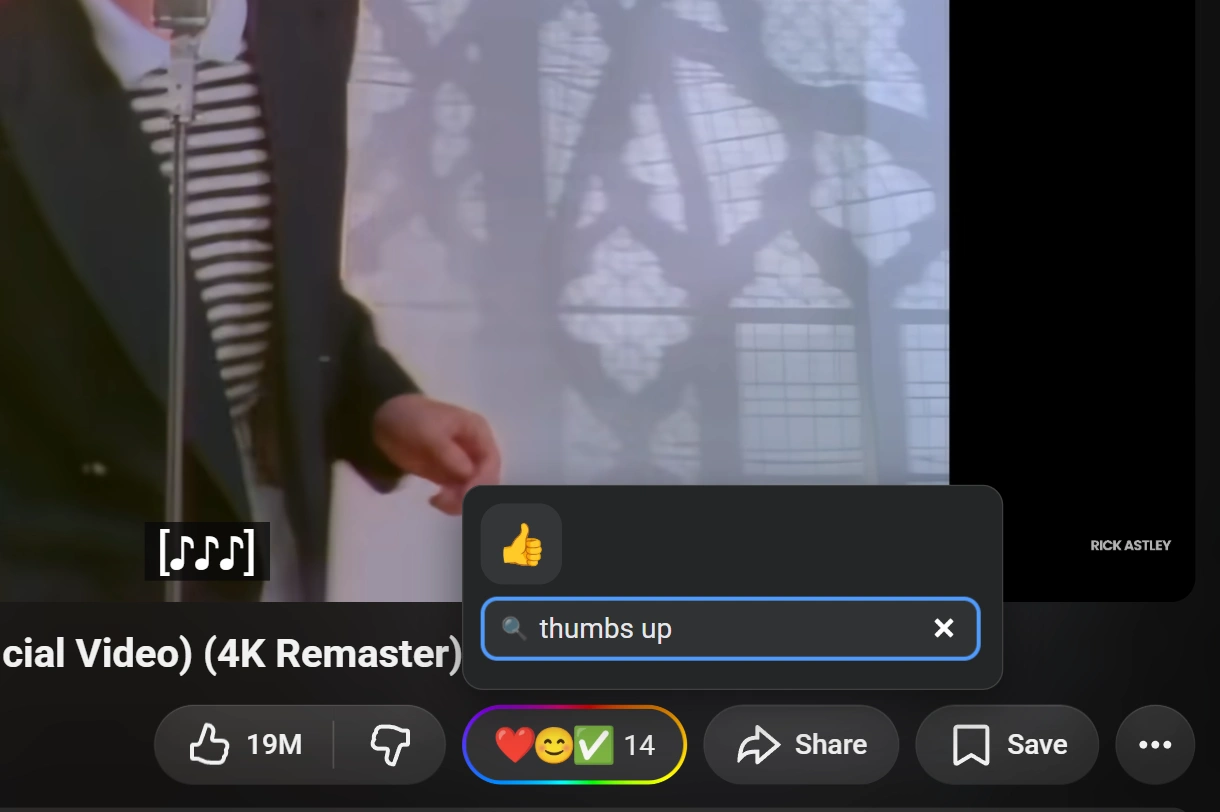
A video, a post, a product, a code repository. The Emojery button appears next to the site's own Like, Star or Upvote. It shows the top 3 emoji other people picked and the running total. Click it and a small panel opens with the full picture.
To place it, the extension reads the page for 2 things: the row the button belongs in, and the item you'd be reacting to. That reading happens inside your browser and stays there. Nothing you type is read. Private pages get no button.
Reading everyone else costs nothing
At this point you have signed in to nothing and told us nothing, and the counts are already there. Every emoji on the button, every number in the panel, and the full ranking behind “Show more” are public: they are what other people picked on this exact video, post, product or repository, and they
are visible to anyone with the extension installed.
Browsing this way, forever, is a supported way to use Emojery. The next step is only about adding your own pick to those numbers.
3. The sign-in
Why reacting needs a sign-in
Reading is free forever. Reacting asks you to sign in once with a provider you already use, and here's the reason: if reacting cost nothing at all, a single person could turn into a thousand voters in an afternoon. Fresh browser profiles are free, instant and unlimited. Accounts at Google, Apple or Microsoft
are not, and a provider sign-in is something a public proof can be built on. It isn't registration in the usual sense; it's the cheapest way to make one reaction mean one account.
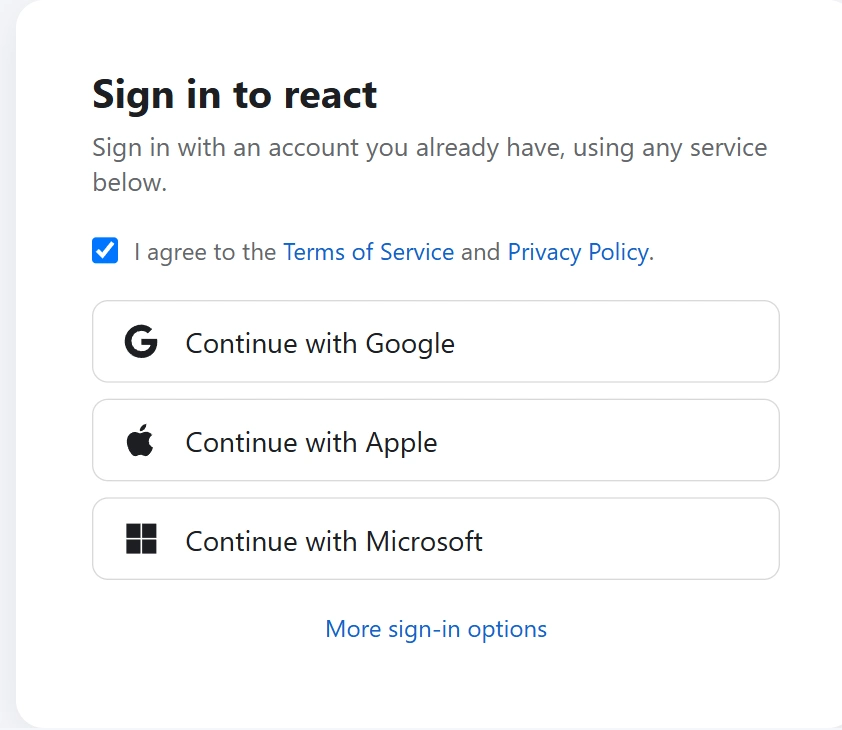
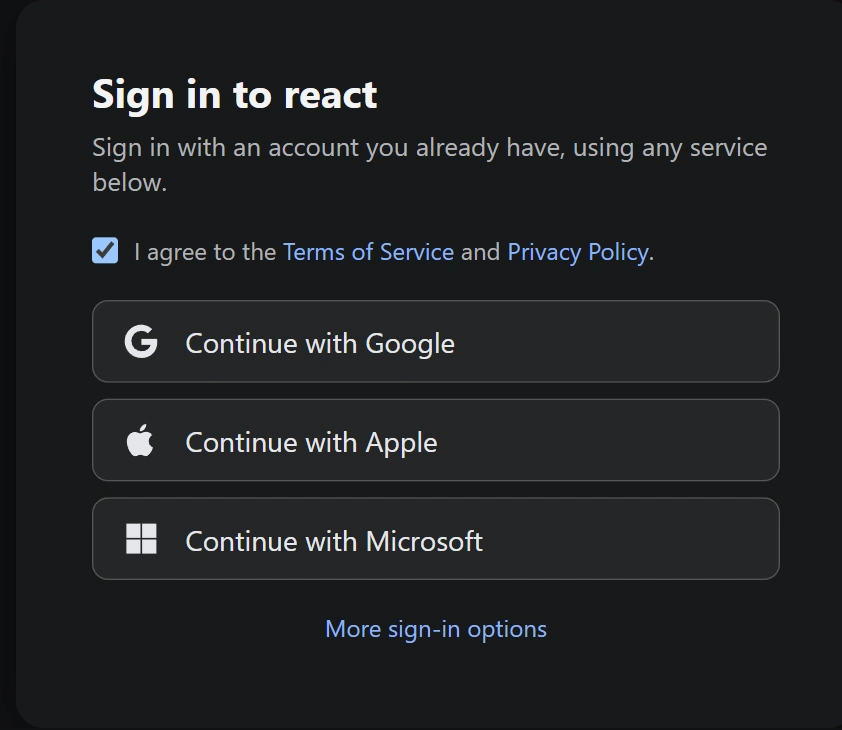
The extension asks at the moment it first needs to: you pick an emoji, and if you have never signed in, the sign-in card opens instead of the reaction going through. Once, and never again on that browser.
What the sign-in looks like
You pick a providerOnce, on the extension's own sign-in card.
You approve in its windowWith the provider's password, which Emojery never sees.
The provider hands back an opaque idNo name, no email, no picture: the request never asks for them.
That scramble is a fixed string the provider's id always produces under a key held outside the database. It's what recognizes you next time. The database lists no ids, so a stolen copy of it yields none; we hold the key, so we can check one provider account you name against it — which is what an access or
deletion request needs.
There is a "Continue with Google" button, and 3 more, on purpose. Google learns that you signed in to Emojery, and nothing after that: never which pages, never which reactions. In return the sign-in is something the public log can carry a proof of, so anyone can check
that every account came from a real sign-in. The full reasoning is on How sign-in works.
4. You tap an emoji
Any emoji, and you can change your mind
Not a shortlist somebody else wrote. The whole emoji keyboard: 😂, 🤨, 🔥, 💀, 👎, whatever actually fits. Change your pick later, or take it back entirely. Why that matters is on The signal platforms hide.
What goes out is the address of the item and the emoji you picked. What comes back is a total. Emojery never publishes who reacted, so no page can ever show a list of names.
5. One second later
Your tap becomes a line in public
Every reaction is added to a public list, in order. Lines are only ever added: nothing is edited, nothing is erased. Change your emoji and that's another line. Delete your account and a new line cancels your old reactions. The number you see on the page is that list, added
up again.
Anyone can download the list and read every line. Your name isn't in it — reactions carry a stand-in code, and the code changes over time, so the list can't be used to follow a person from page to page. The formal name for this is a transparency log, and how it's built is on The transparency log.
Meanwhile, the extension writes your pick into a private history on your own computer, so you can find and change anything you reacted to. That history never leaves your device.
6. Later that day
A checkpoint leaves our hands
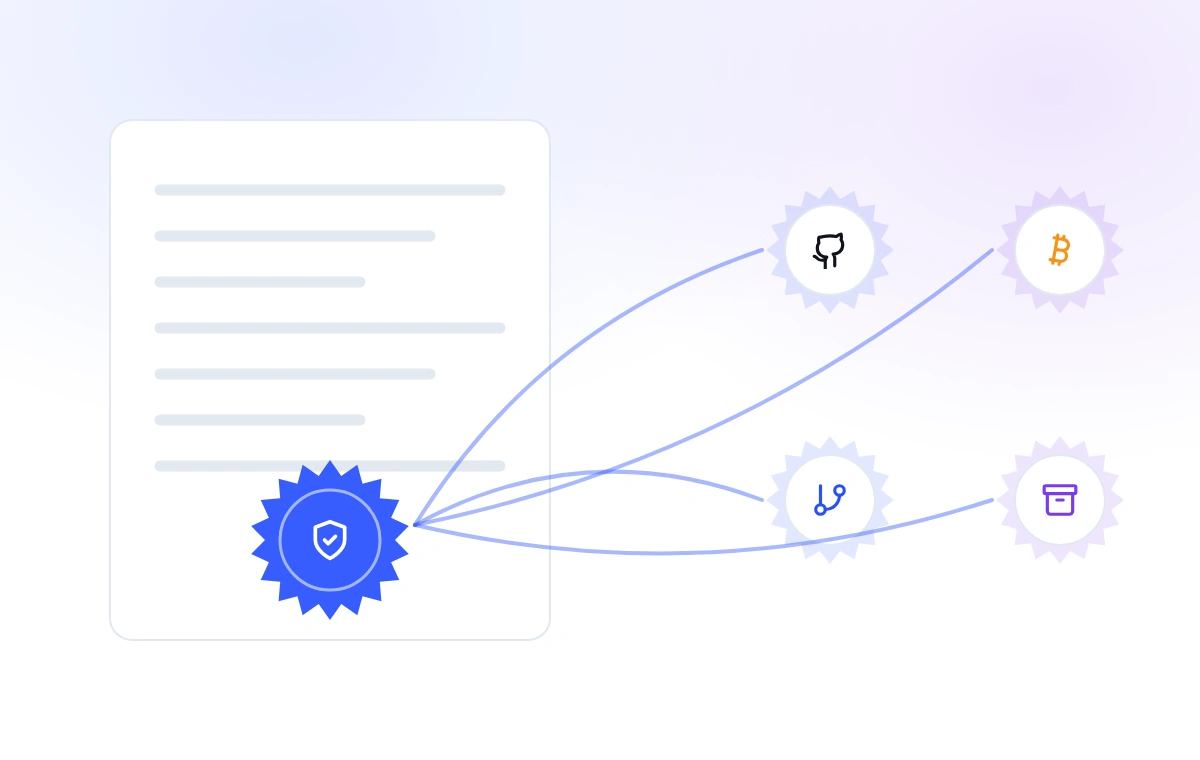
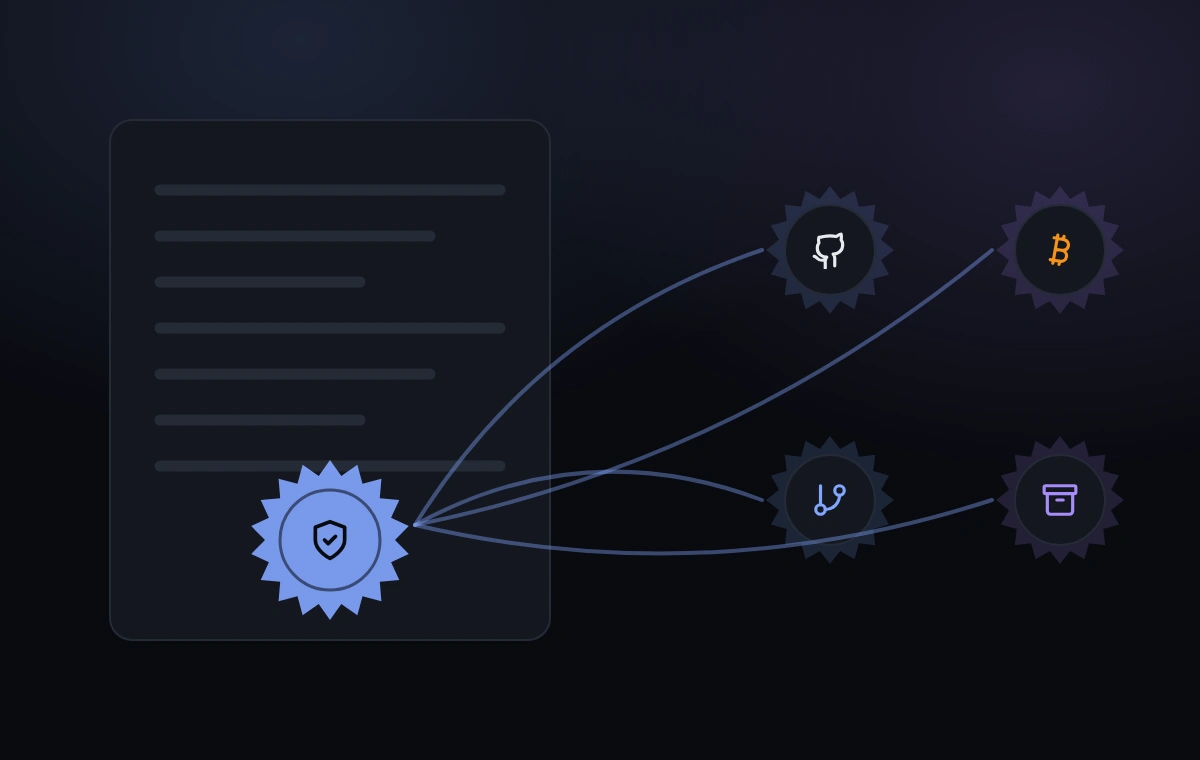
A public list still needs proof that yesterday's version wasn't quietly changed. So, regularly, the whole list is squeezed into one short string of characters: a checkpoint for that moment. Change any line, anywhere in the history, and the checkpoint
comes out completely different.
Those checkpoints don't stay on our servers. They're published to a public GitHub folder called emojery-log, copied into public archives run by other organizations, and eventually stamped into Bitcoin.
That last step is the point. We can change our own database. Nobody on earth can change an old Bitcoin block. So if we ever rewrote the list, every checkpoint we published before would stop matching — in public, permanently, for anyone who bothers to look.
7. Someone doubts the number
They don't have to ask us
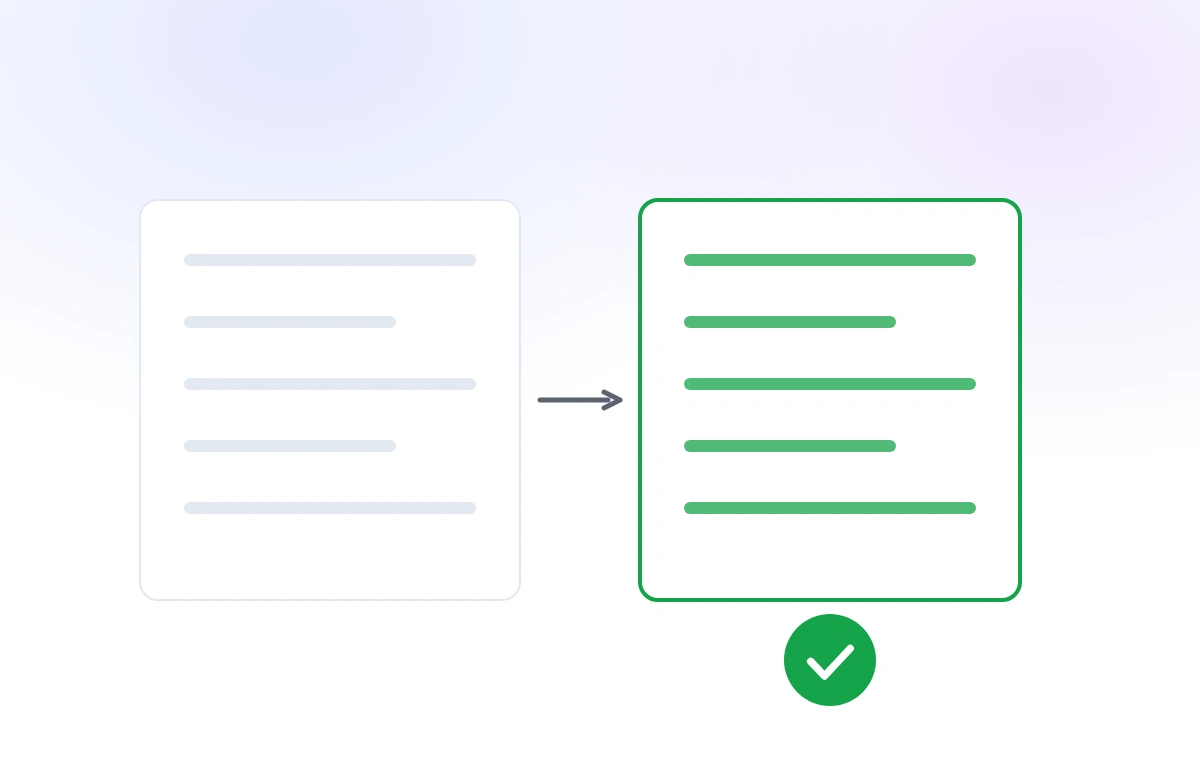
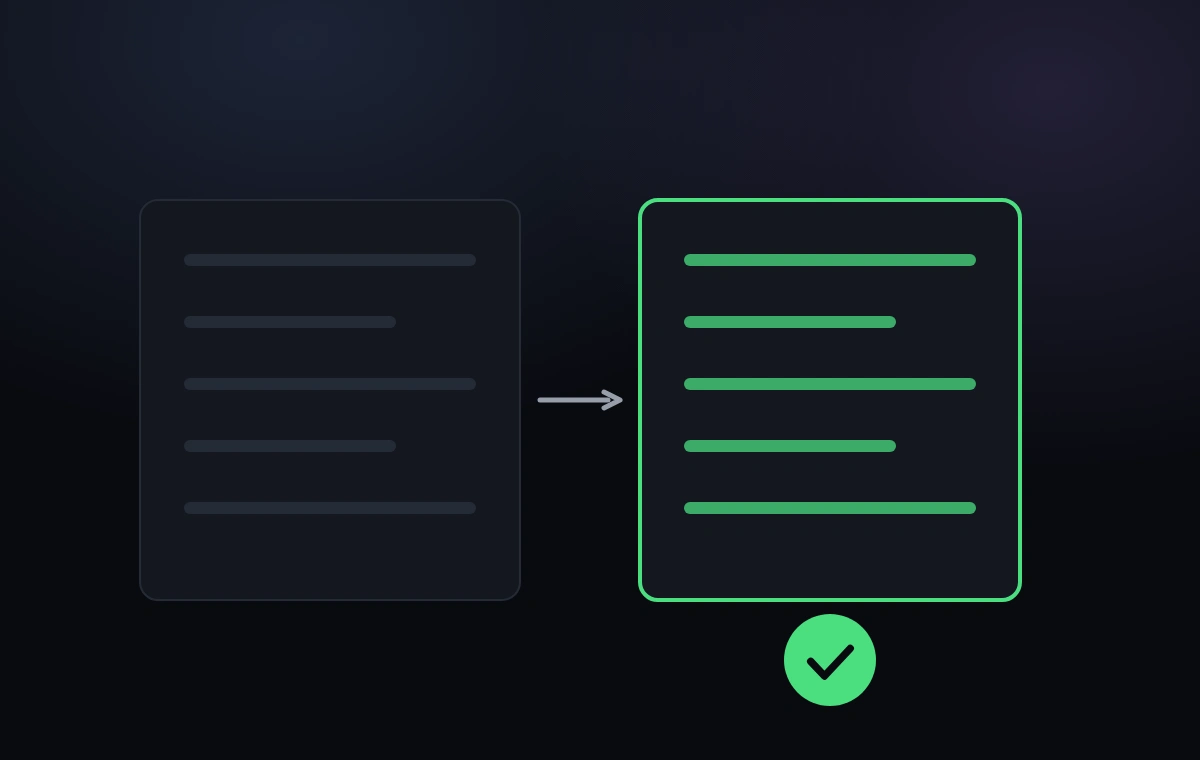
"You can check it" is easy to say, so there's a separate free program that does the checking: the verifier. It downloads the list, adds up every reaction itself, and compares its own total against the number the site shows. It also redoes every fingerprint and confirms they match the ones published outside.
It isn't part of our website or our extension. It's its own open-source project. Anyone can read the code before trusting it, or run a copy on a schedule and watch us daily. It gets no special access; it sees exactly what you see.
Where the proof stops
All of this proves what's in the list, and that nothing was quietly removed from it. It can't prove that a reason we give for removing something is truthful — no amount of math proves a motive. What it can do is make abuse very hard: a
reversal applies to an account's entire history, not to one inconvenient vote, and it shows up on a public feed anyone can watch.
8. If you ever leave
Out in 2 clicks, whenever that is
Nothing here expires and nothing needs renewing, so this step may never come. It is on the page because a product that asks you to trust a number should say how you get out of it before you are in it.
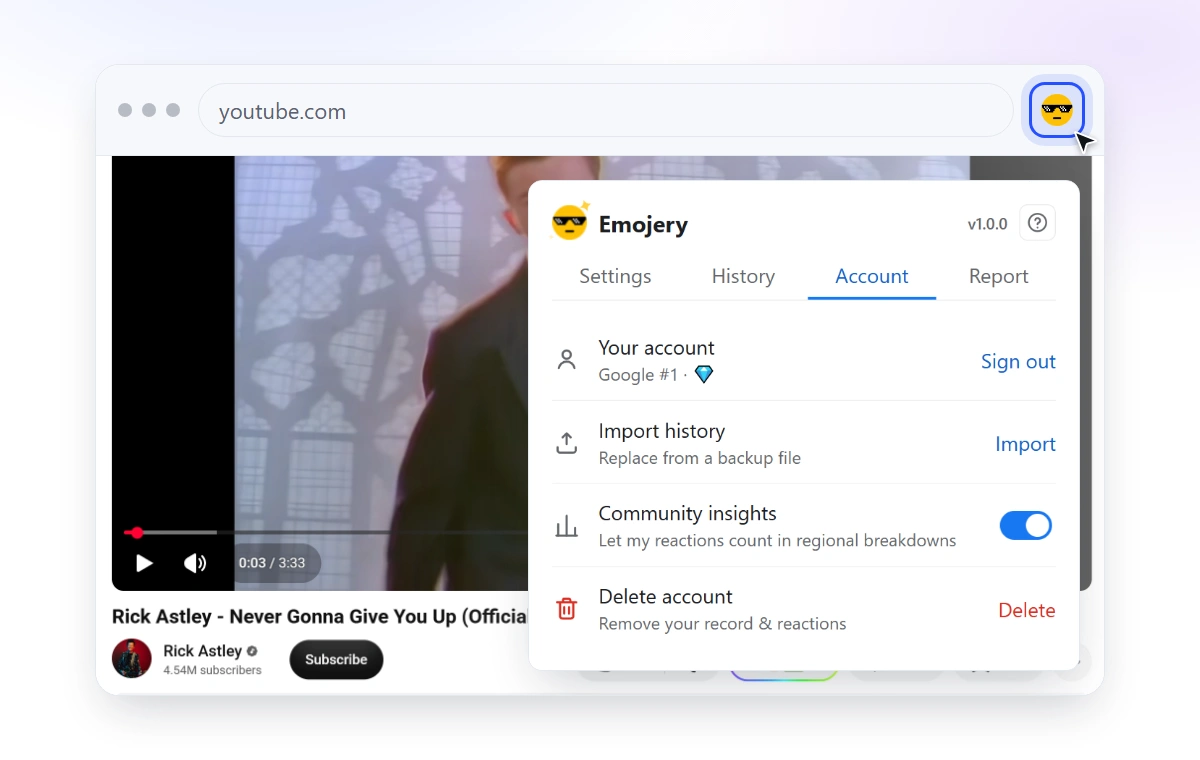
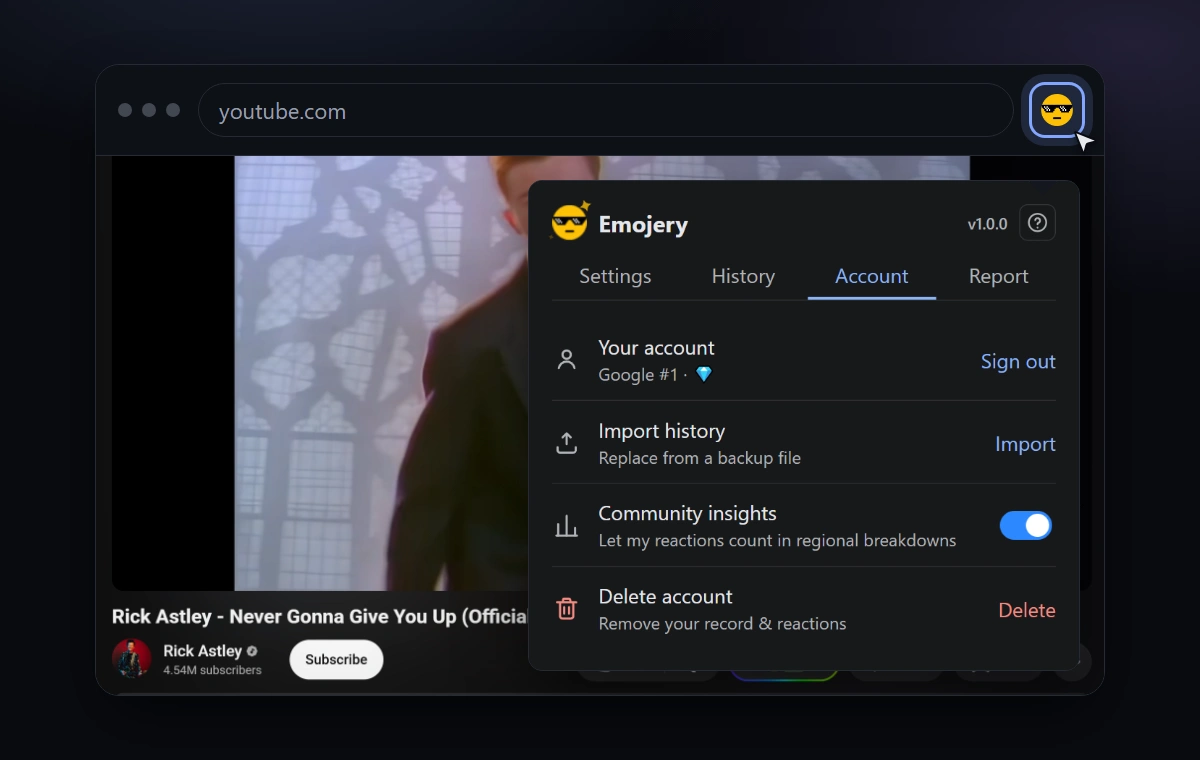
Uninstalling removes everything stored on your computer with it, because your history was only ever there. If you made an account, the extension's own menu has a Delete account button: press it and the account record is gone, and every reaction you ever left is subtracted back out of the public totals by a
new line. The old pseudonymous lines stay, revoked rather than rubbed out.
No email to write, no support ticket, no "are you sure you want to lose your benefits" screen.
And nothing was sold along the way
No advertising, no tracking pixels, no email addresses on file, and the code is public for anyone to check. Partly principle, partly arithmetic: Emojery is a donation-funded open-source project, so tracking you would be an expense with nothing on the other side of it. The source code is right there, and Before you install answers the same worry with things you can check yourself.
That's the whole journey
Install, tap, and the number you see is one anybody can add up again. Every step above has a longer page behind it.