
Delete your account
One control removes your record and reverses every reaction you ever submitted. It is worth knowing exactly what it does before you slide it.
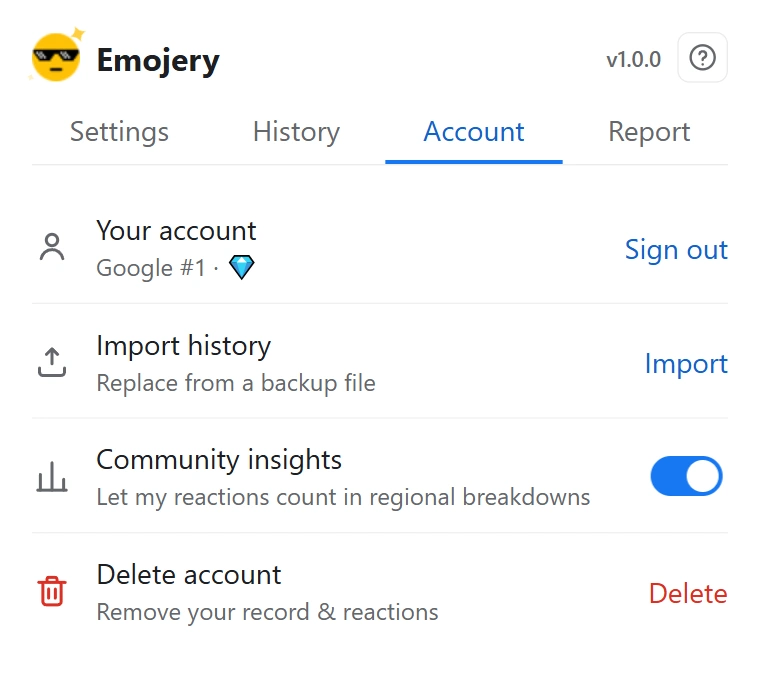
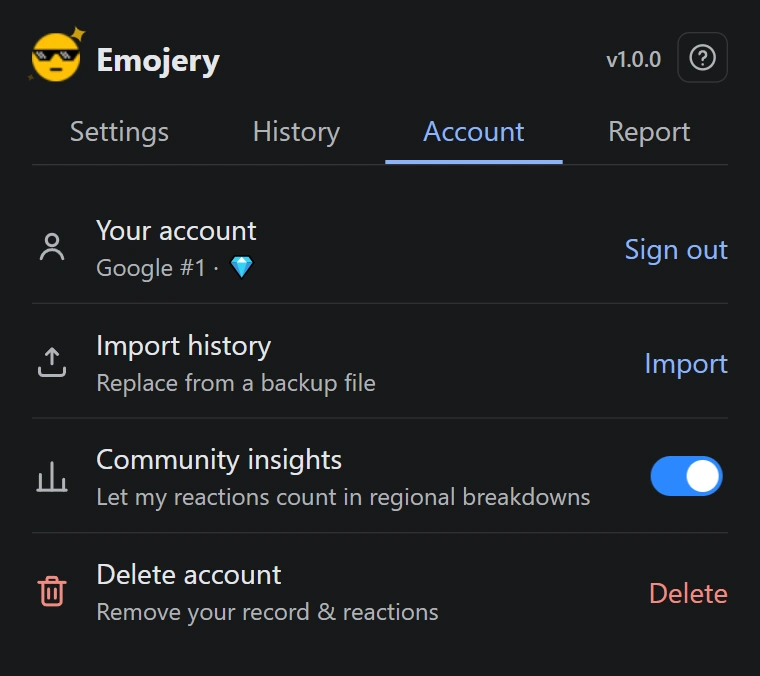
- Open the popup and go to the Account tab.
- Find Delete account and click Delete.
- Read the confirmation. It says the action is permanent and that the counters for every reaction you submitted will be decremented.
- Slide the control across to confirm. The slide is there so the most irreversible button in the product cannot be hit by accident.
- Wait for it to finish without closing the popup.
What is gone, and what stays
Gone: your account record, your local session, your History tab, and your contribution to every public total you ever added to.
Stays: the append-only log. Entries there are pseudonymous rather than named, and each of yours is reversed by a revocation appended after it. Nothing is rewritten, because a log that can erase its own past is not evidence of anything.
There is no queue, no review and no grace period. Export your history first if you want to keep it.
Sign out, delete, uninstall: 3 different things
Sign out (Account tab) clears the session on this browser. Your reactions and the counters are untouched, and signing back in restores access to them.
Delete account removes the account and reverses the reactions, everywhere.
Uninstalling clears settings, session and History from your browser, and nothing else. The account and the reactions stay on the server and keep counting. Delete the account first if that is what you meant, because afterwards it takes reinstalling and signing in again to reach the button.