
Say how it actually plays
A strong Top Critic Average says reviewers approved. Emoji say whether players found it tense, buggy, funny, exhausting, or worth the 80 hours.
A strong Top Critic Average says reviewers approved. Emoji say whether players found it tense, buggy, funny, exhausting, or worth the 80 hours.
Leave a fast public signal without scoring the game or writing anything at all.
The same palette runs on the store page, the video, and the thread about the same game.
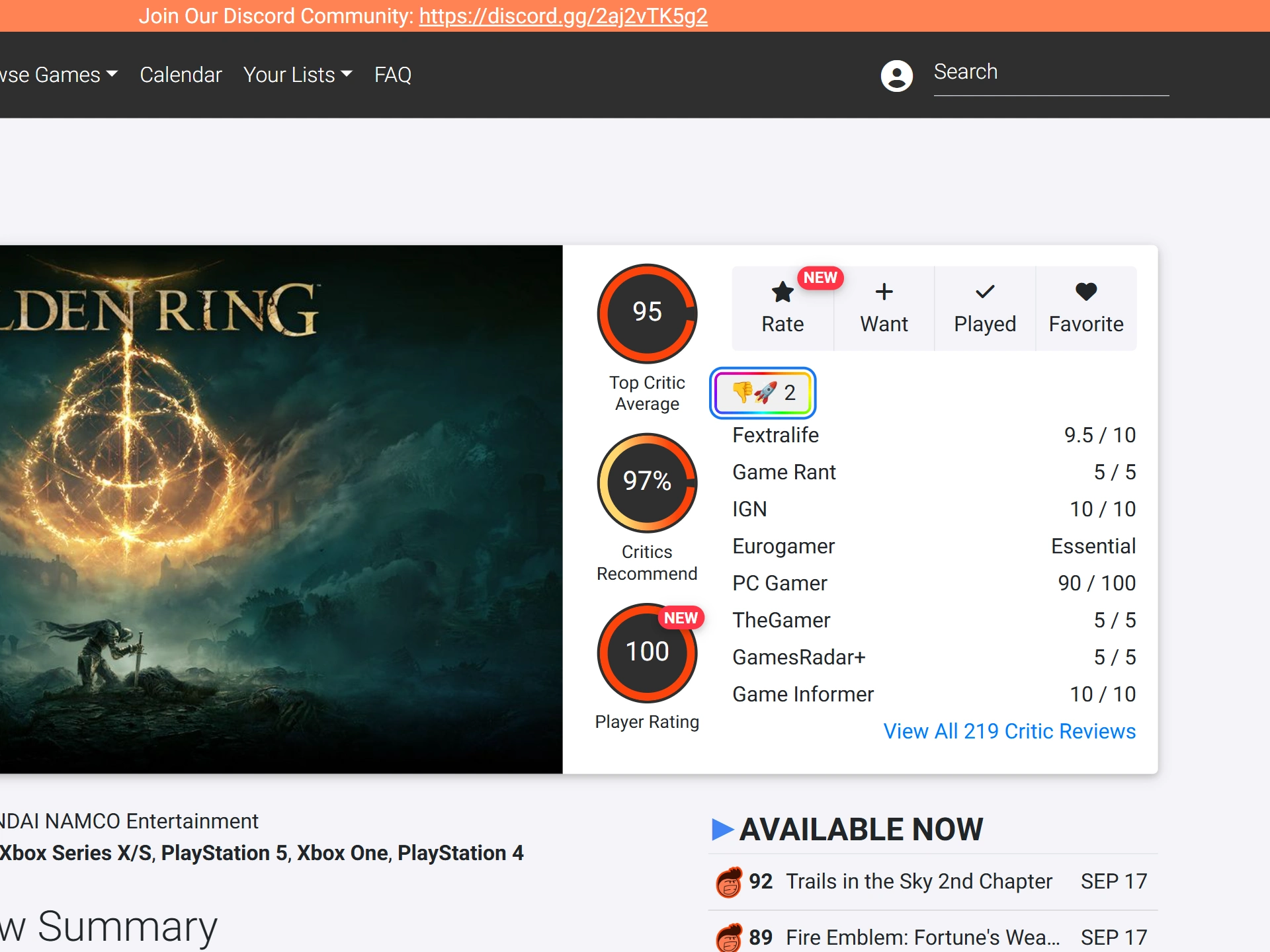
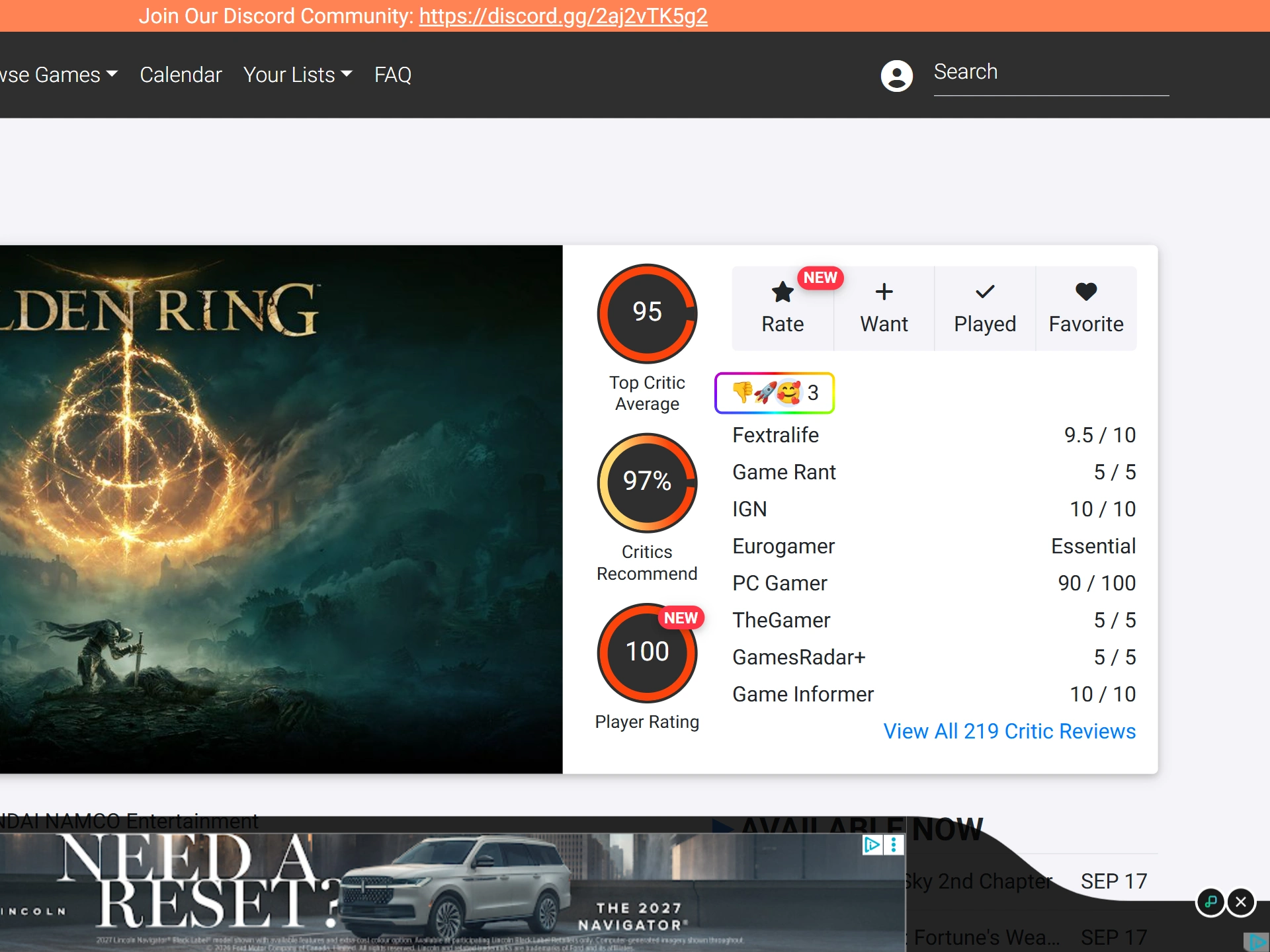
The Top Critic Average and the share of critics who recommend a game both answer how many reviewers approved. Neither answers what the game is like to live with: the same average covers a tight 6-hour game and a 90-hour one that wears people down.
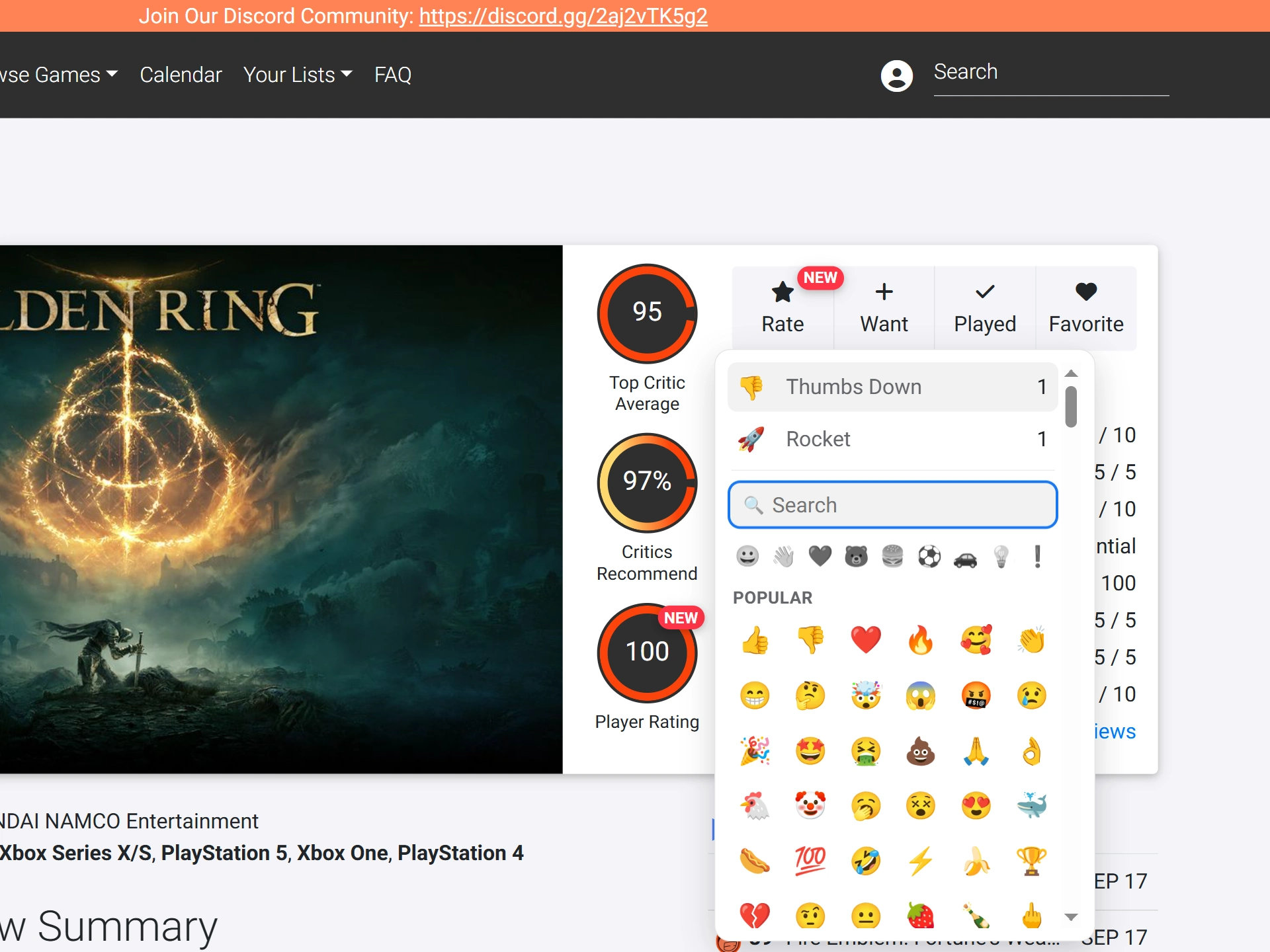
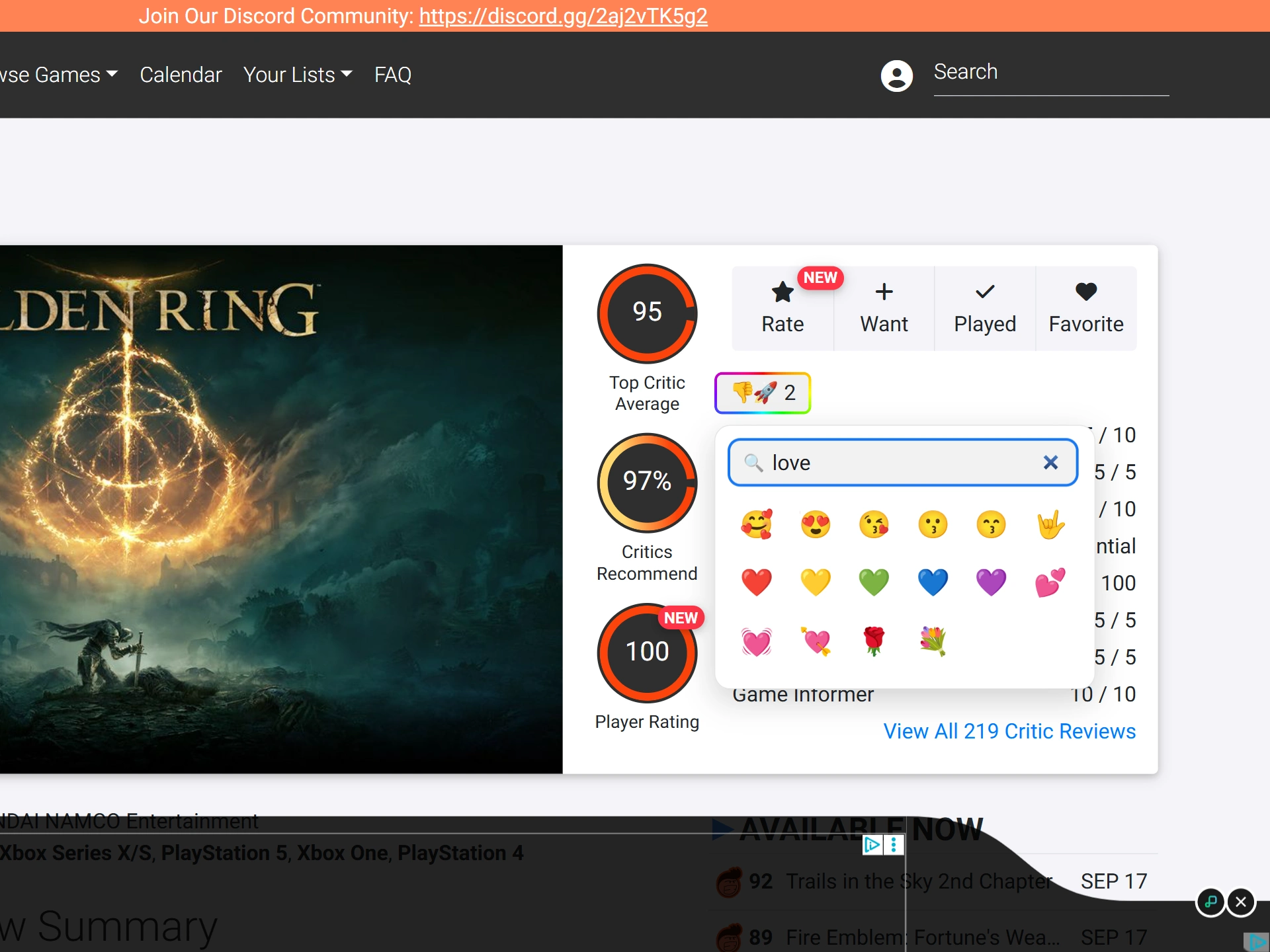
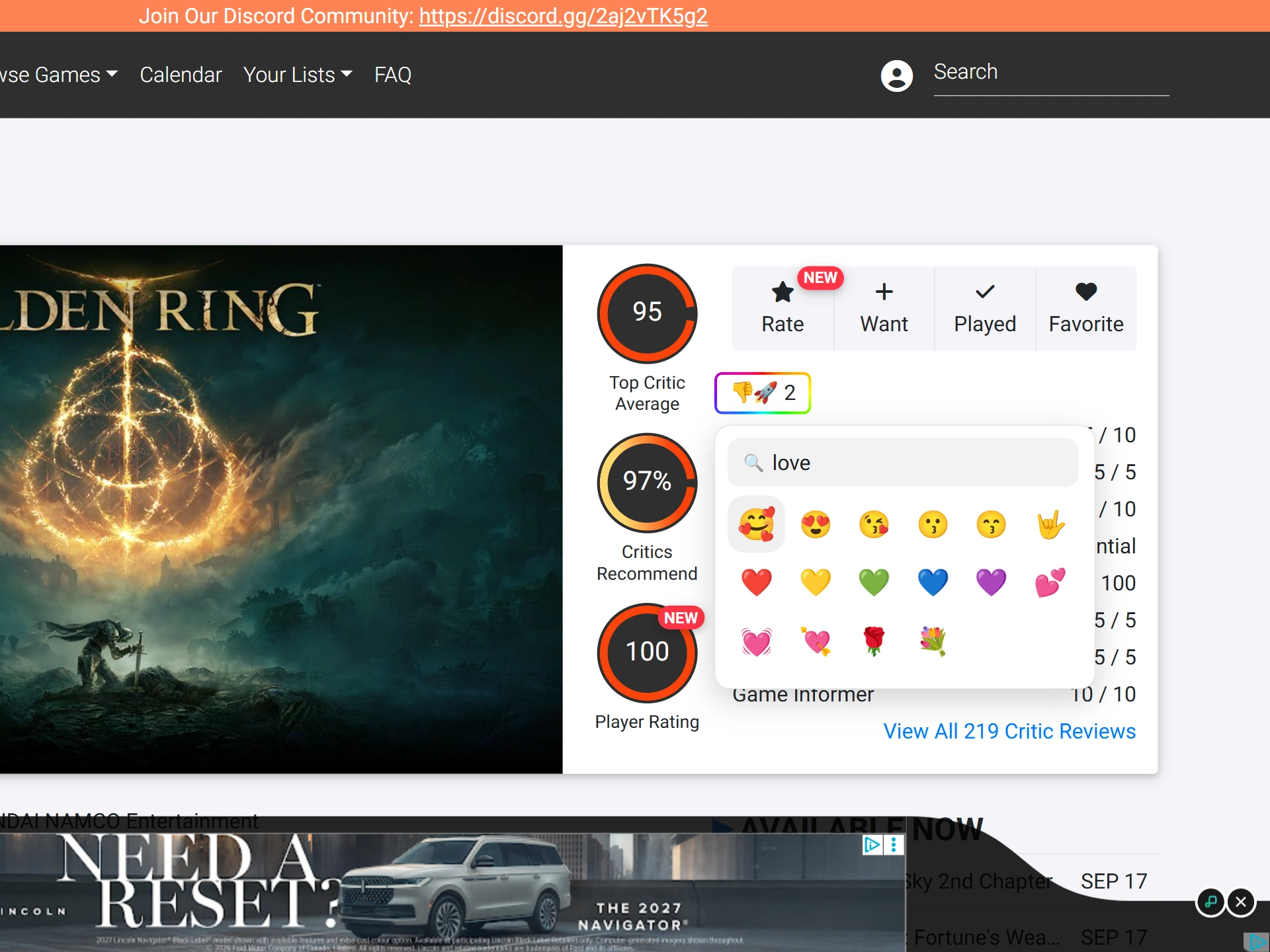
Emojery gives players a way to say which it was without scoring anything. The reaction strip is drawn from one palette, the same one running on every other supported site.
Emojery does not compute an average, weight outlets, rank games, or touch the critic data. It adds a separate reaction layer in your browser, under the action row the page already shows.
The extension derives the target from the numeric game id in the page URL. The title slug after that id is decoration the site ignores, so 2 links to the same game with different slugs land on the same total.
Review lists, media pages, and outlet pages carry no action row, so they carry no button.
Rate is a score, and Want, Played, and Favorite are lists. Emojery stands in for none of them, so it only adds: the opt-in Auto-press original buttons setting stays inactive here, and Hide original buttons has nothing to hide.
A game's totals are readable by anyone, with no OpenCritic or Emojery login. Adding to them takes a provider sign-in, so the strip counts players rather than anonymous installs.
A high critic average under a strip of tired faces and warnings is a different game from the same average under hearts and fire. The gap is the part a review round-up cannot print.
The reaction layer belongs to neither the outlets nor the site. It runs on the same model on every supported page, so the signal reads the same way wherever you meet it.
Emojery never sees your OpenCritic account, ratings, or lists: it asks for the counts of the games on screen by their public ids and stores none of that, and a reaction is keyed only to the game, never to your session. The public output is the aggregate emoji count for that game: no list of who reacted, and nothing tied back to a player.
Read the full privacy policy.
Install Emojery, open an OpenCritic game page, and read the emoji layer under the action row.
No. It does not edit the critic scores, the recommendation share, or the review list. It adds a separate reaction layer in your browser.
Game pages. Review lists, media pages, and outlet pages have no action row and no button.
No. The target is the numeric game id, and the site ignores the slug after it, so both land on the same total.
No. Nobody gets a list of who reacted — the public layer is the aggregate count for the game.
The same emoji reaction layer — one account, across every supported site.