
Move Emojery to another browser
Your reactions follow your account on their own. Your history and your settings do not, so a move has an order worth getting right.
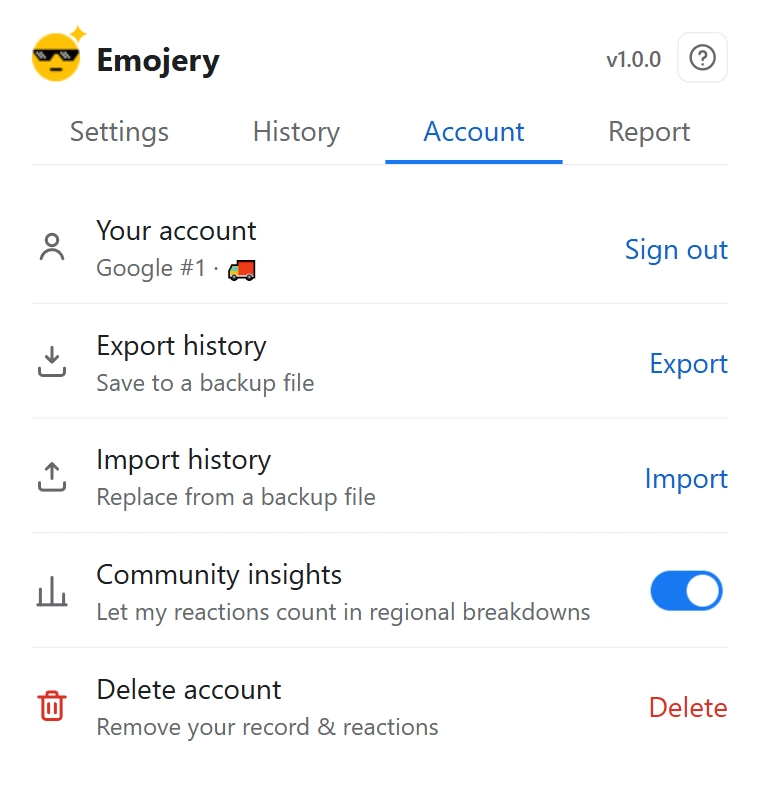
- On the browser you are leaving, export your history to a file and put it somewhere you can reach from the new machine.
- Install Emojery on the new browser.
- Sign in with the same provider account. Use the same one, or you get a second, empty account rather than your own.
- Import the file in the History tab. The new browser's history is empty, so nothing is overwritten.
- Set your preferences again: theme, Hide original buttons, Auto-press original buttons and its 3 lists, and any per-site toggles.
What moves on its own
Your reactions and the public counts. Signing in on the second browser shows your own pick on every item you reacted to, because the account is on the server rather than in the browser.
What does not
The History tab, which is per browser and needs the file. Settings, which are per install. Neither has a sync service behind it, and neither is uploaded anywhere.
You do not have to uninstall the old one
The same account works on both. Reacting from either browser updates the same public count, and each browser keeps its own local history from then on.